Pump/ Feed-in point
If a pump or the feed-in point is selected, the following properties are displayed in the properties palette:
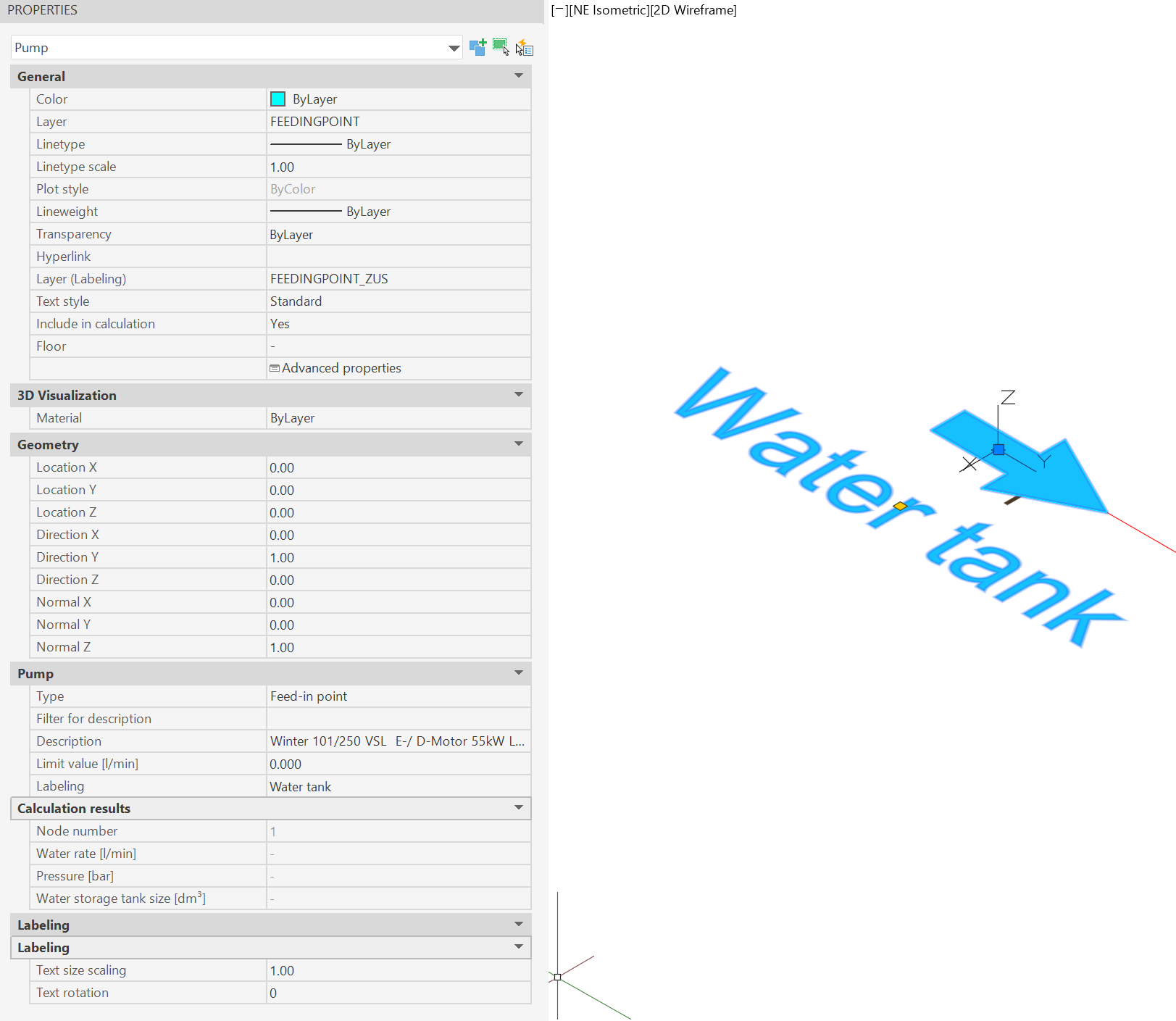
- Category General in addition to the AutoCAD/BricsCAD object properties such as color, layer and layer of the labels, the following data of the feed-in point or pump can be adjusted:
- Include in calculation: If "No" is selected here, this object will be ignored during the next calculation run.
- Floor: Floor to which this object is assigned (look Floors).
- Advanced properties: Call-up of the object-specific propertiesdialog (see Edit/Change via Properties dialog).
- Category Pump: Enter the pump specifications
- Type: Specification, whether the object represents a pump or a feed-in point.
- Filter for description: Filter for pump search e.g. "Winter" -> only pumps from manufacturer "Winter" are listed
- Description: Selection of pump type for the calculation
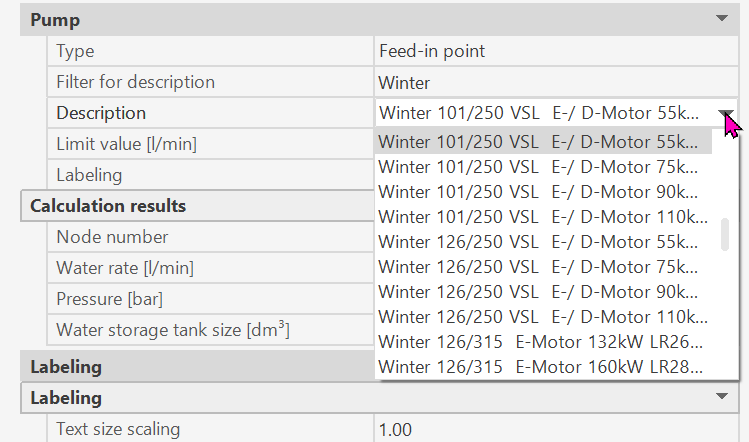
- Limit value: Pump limit value based on the pump database
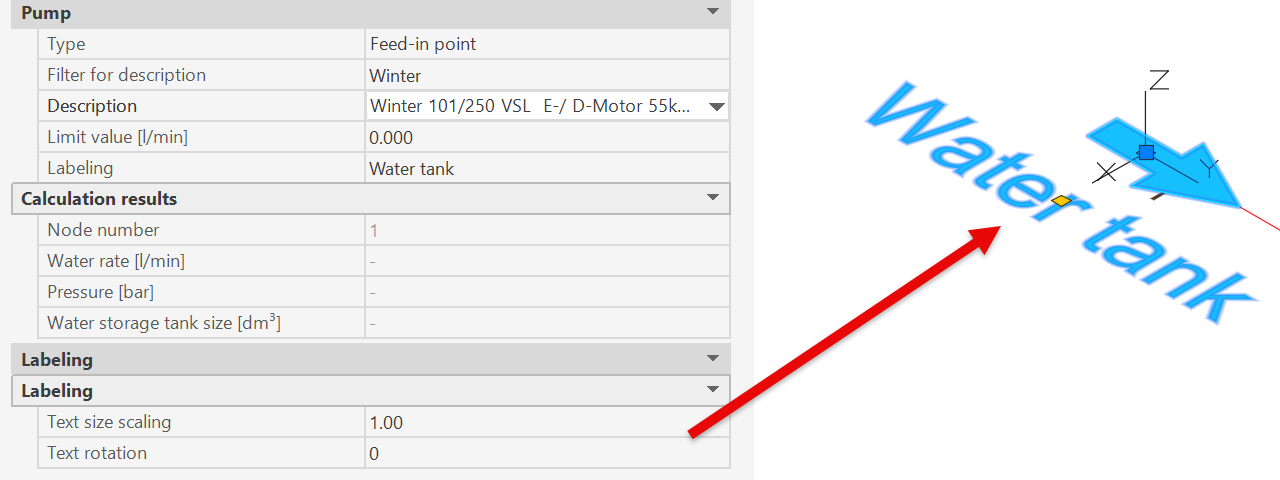
- Labeling: Text used to label the pump/feed-in point on the plan
- Category Labeling:
- Text scaling and rotation for labels at feed-in points
Related topics: