Enter hydrant
Icon:

Function: Entering hydrants for combined systems (sprinklers combined with hydrants) and hydrant-only systems.
For combined systems, use “Wet System”.
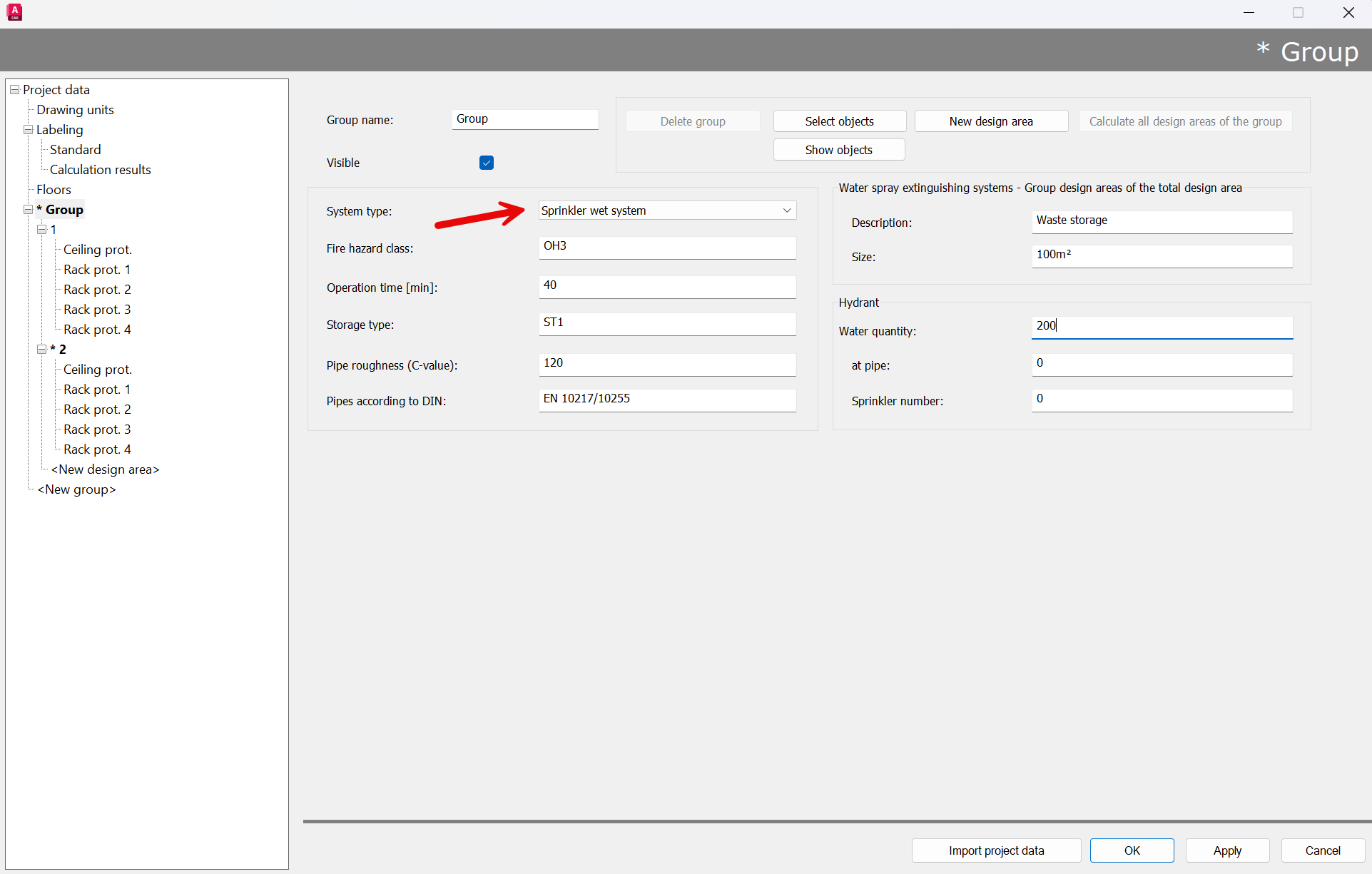
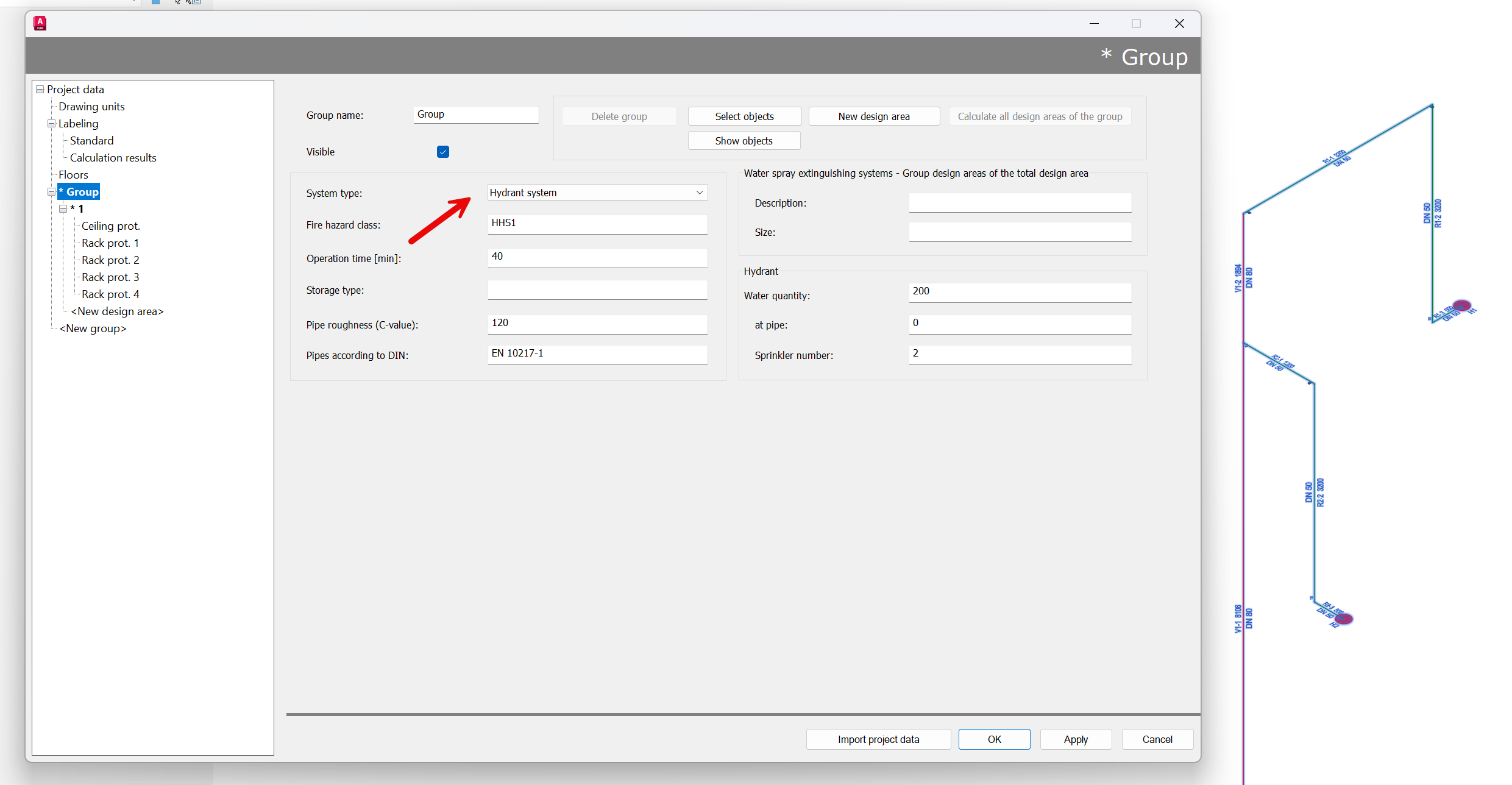
Pure hydrant systems can only be calculated using the system type in the “Hydrant System” group:
After entering the command, the following input options appear in the properties panel:
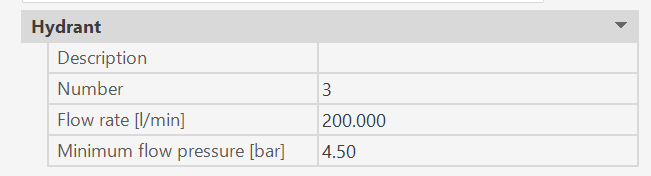
The hydrant will have the properties specified here. The data can be changed at any time during the command execution..(*)
The following command appears in the command line:

with the following options:
- U: Undo the last hydrant entry (within this function call).
Immediately after calling the hydrant entry command, this option has no effect.
This option undoes the most recent step of the hydrant entry.
The Undo option can be repeated until the state at the beginning of the hydrant entry is reached again.
Once this initial state is reached, the option has no effect.
- B: Entering a fire hydrant, starting with the insertion point of the hydrant on the branch pipe.
Selection of the branch pipe on which the fire hydrant has to be inserted.

Selecting the branch pipe also determines the point from which further entries are made.
If the selected point (for selecting the branch pipe) is closer to the starting point of the branch pipe, the subsequent entries refer to the starting point; otherwise, they refer to the end point of the branch pipe.
The distance of the hydrant insertion point closer to the starting point

or closer to the end point of branch pipe

- <Reference point>: Enter the hydrant location by selecting any point (Entering points)
(*)
Is the value of the CAD system variable COMMANDPROPERTIES 0, nothing will be displayed in the properties palette; instead, the hydrant's properties dialog (Properties dialog for a hydrant) will appear at the end of the command.
Related topics:
Hydrants - properties dialog