Hydrants
After selecting a hydrant, "Advanced properties" can be opened in properties or via right-click in context menu:
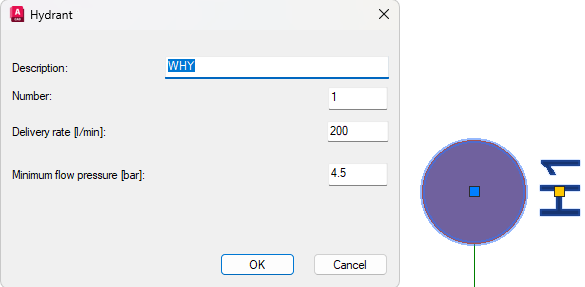
Details:
- Description: Text in drawing, that the hydrant is labeled with
- Number: Number of hydrant
- Delivery Rate [l/min]: Required delivery rate of hydrant
- Minimum flow pressure [bar]: Required pressure on hydrant (only visible in calculation with Hydrant System)
Related topics: