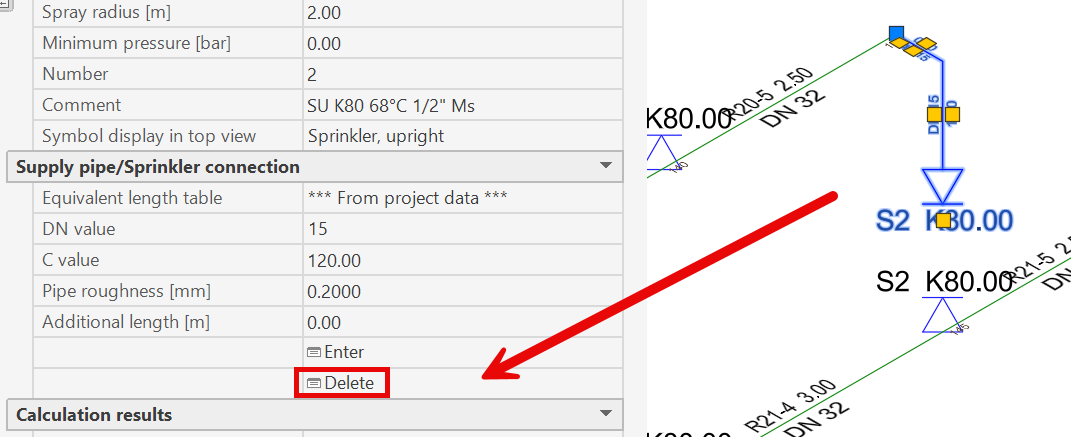
Enter sprinkler supply pipe
- Enter sprinkler supply pipes
- at the sprinkler connection point (on the branch pipe), if the starting point of the sprinkler supply pipe is located on a branch pipe,
- at the sprinkler location, if the connection point is not located on a branch pipe.
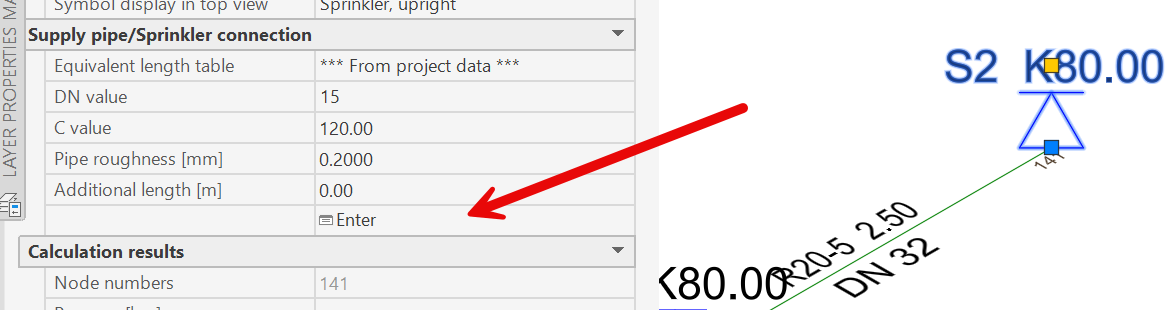
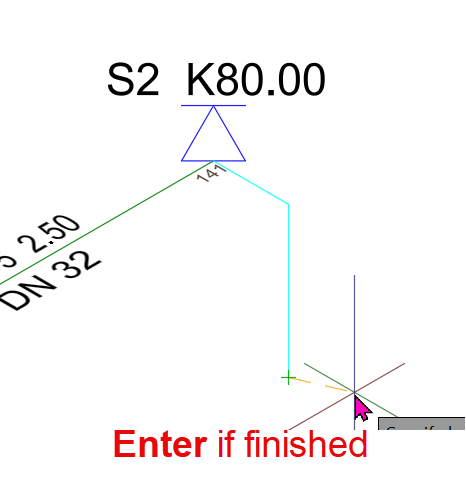
From this starting point, the supply pipes are entered using the procedure for entering line endpoints described in the section “Entering Pipes as Lines”:

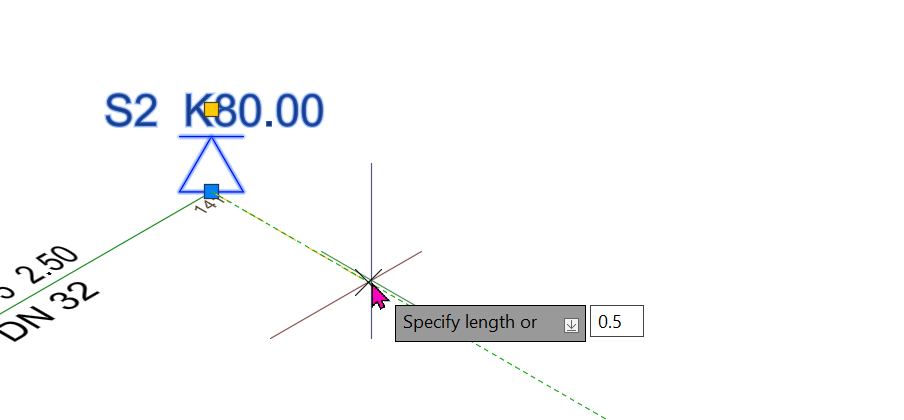
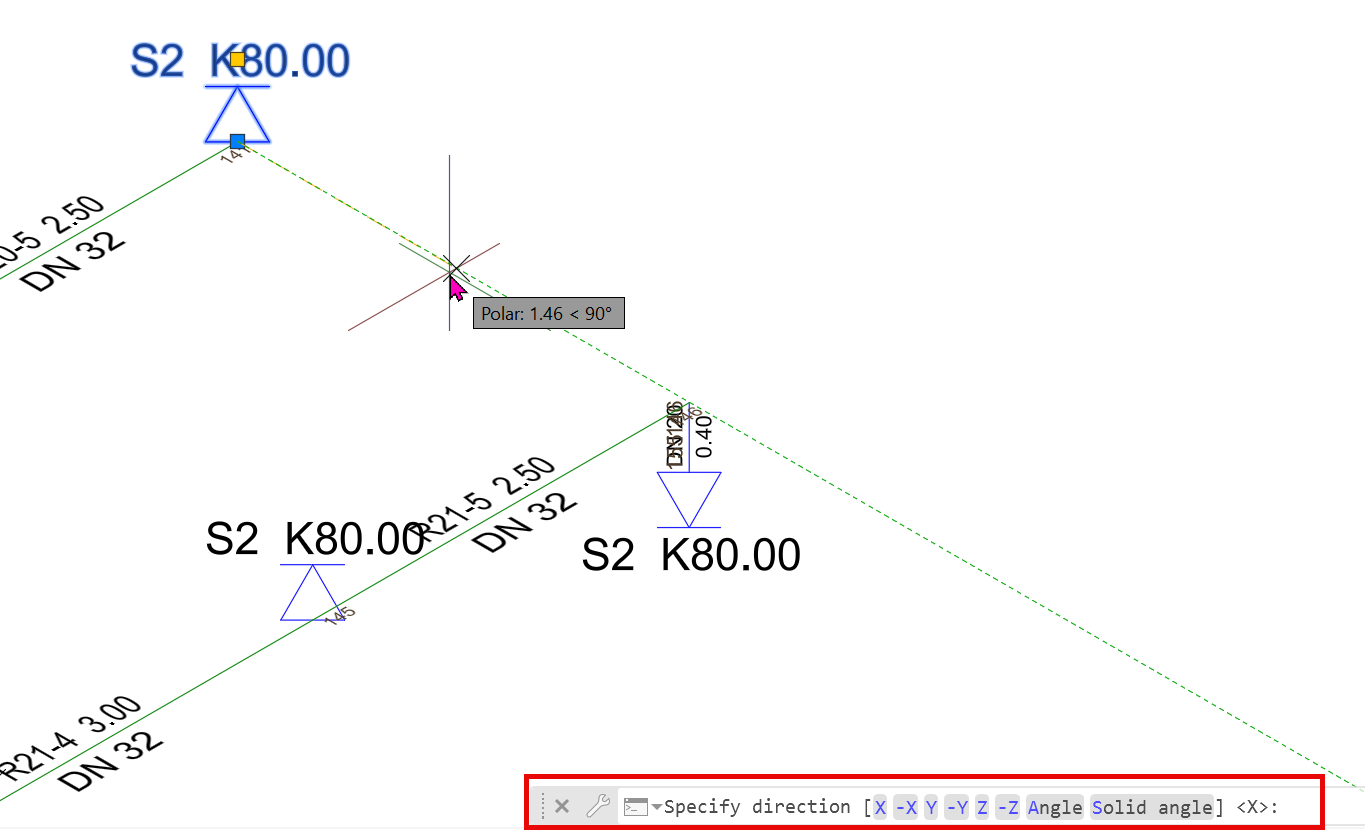
Enter the appropriate lengths and directions for the pipe, then click the right mouse button or press the <Return> key.
This completes the entry of supply pipes, and the program returns to the previous menu item.
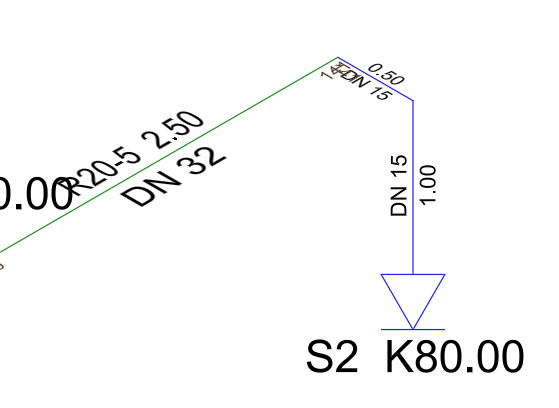
- Delete sprinkler supply pipes:
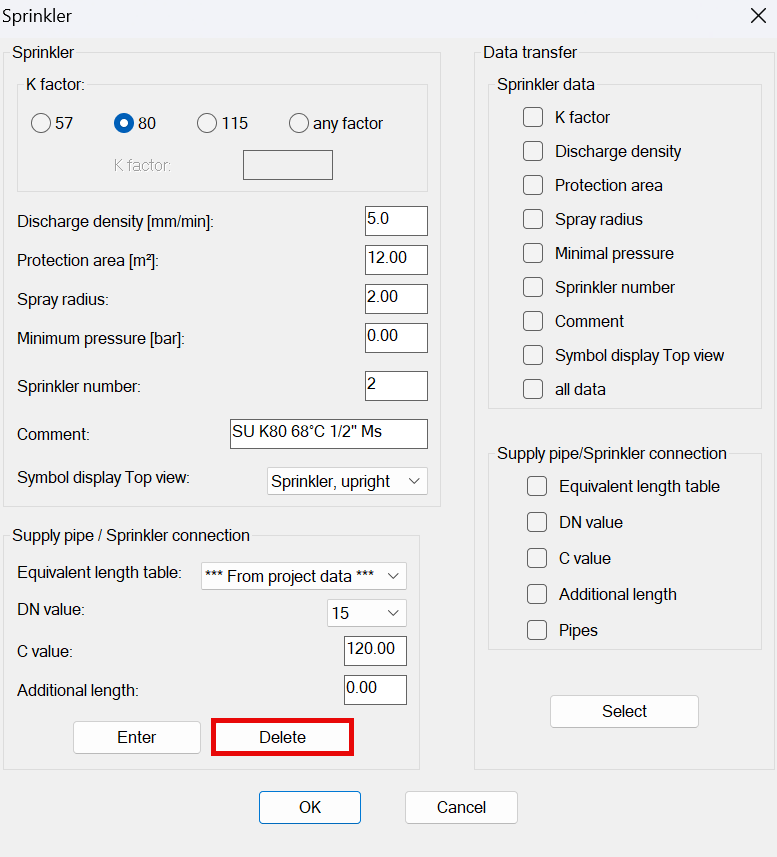
After creating the sprinkler supply pipe, a new “Delete” option appears. The supply pipe connected to the sprinkler is deleted, and the sprinkler is once again on the branch pipe without a supply pipe.
This option also appears in the sprinkler dialog.