Display flow velocity
Icon:

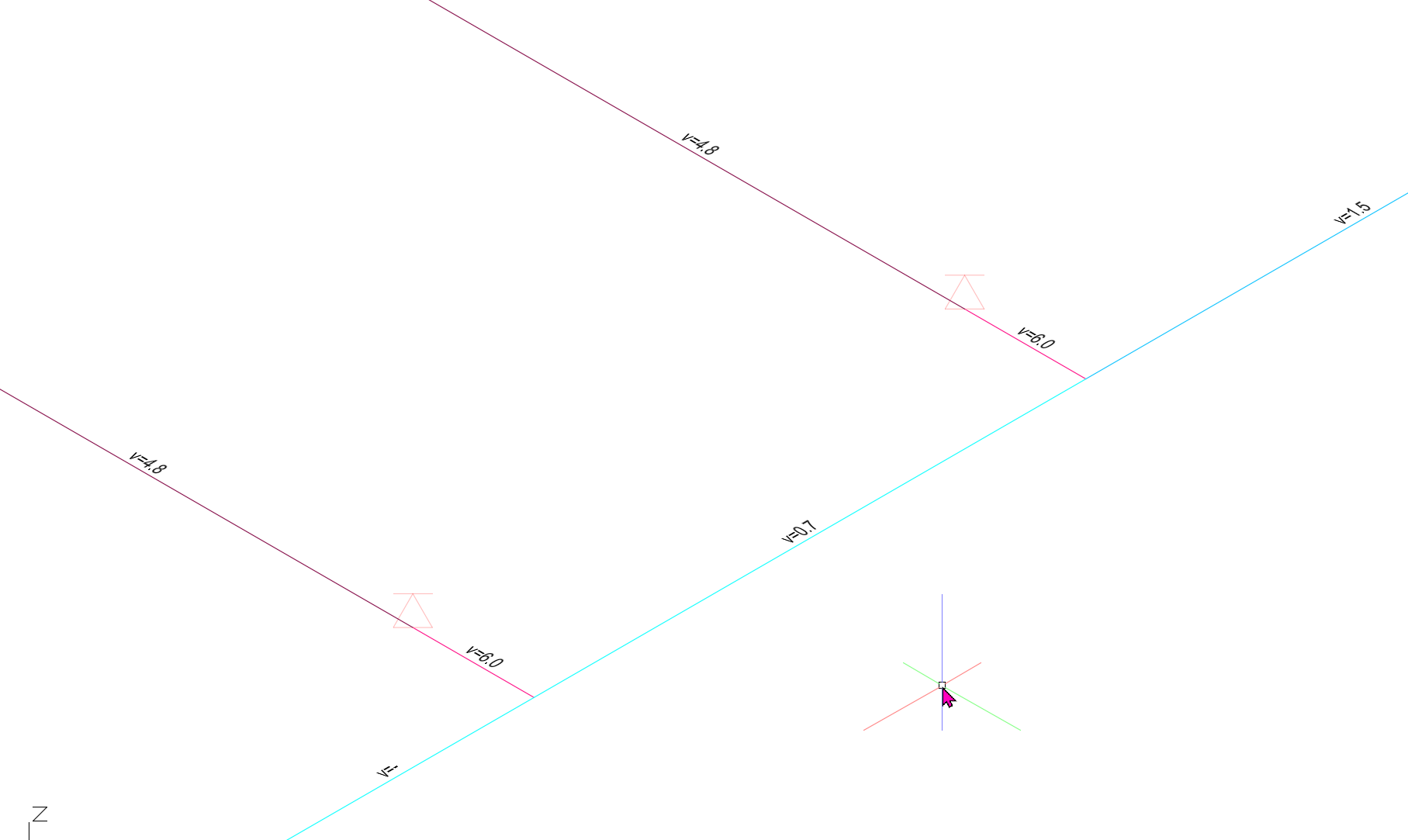
Function: Flow velocities in the pipes are displayed in different colors, including the calculated values shown as text on the pipes.
All pipes, branch pipes, and sprinkler supply pipes are colored in different shades according to their flow velocities (m/s), based on a color scale. This scale is the same for all filters
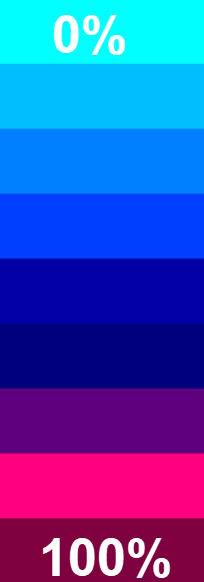
The colors used for this can be set in the Parameter file/Darst. For all filters, the range is from the lowest calculated value of 0% to the highest value of 100%. Light blue represents the lowest value, and dark red represents the highest value.
Pipes, branch pipes, and sprinkler supply pipes in which the maximum allowable flow velocity (default: 10 m/s) is exceeded are displayed in a different color. This color can also be specified in the parameter file. The default color here is yellow.(This excludes systems approved for higher speeds, such as FM Global-certified or high-pressure water spray systems)
Labels for isometric views after selecting a filter can be controlled via Project Management/Labeling.
Overview: