Calculation results
Control the labels on the filters
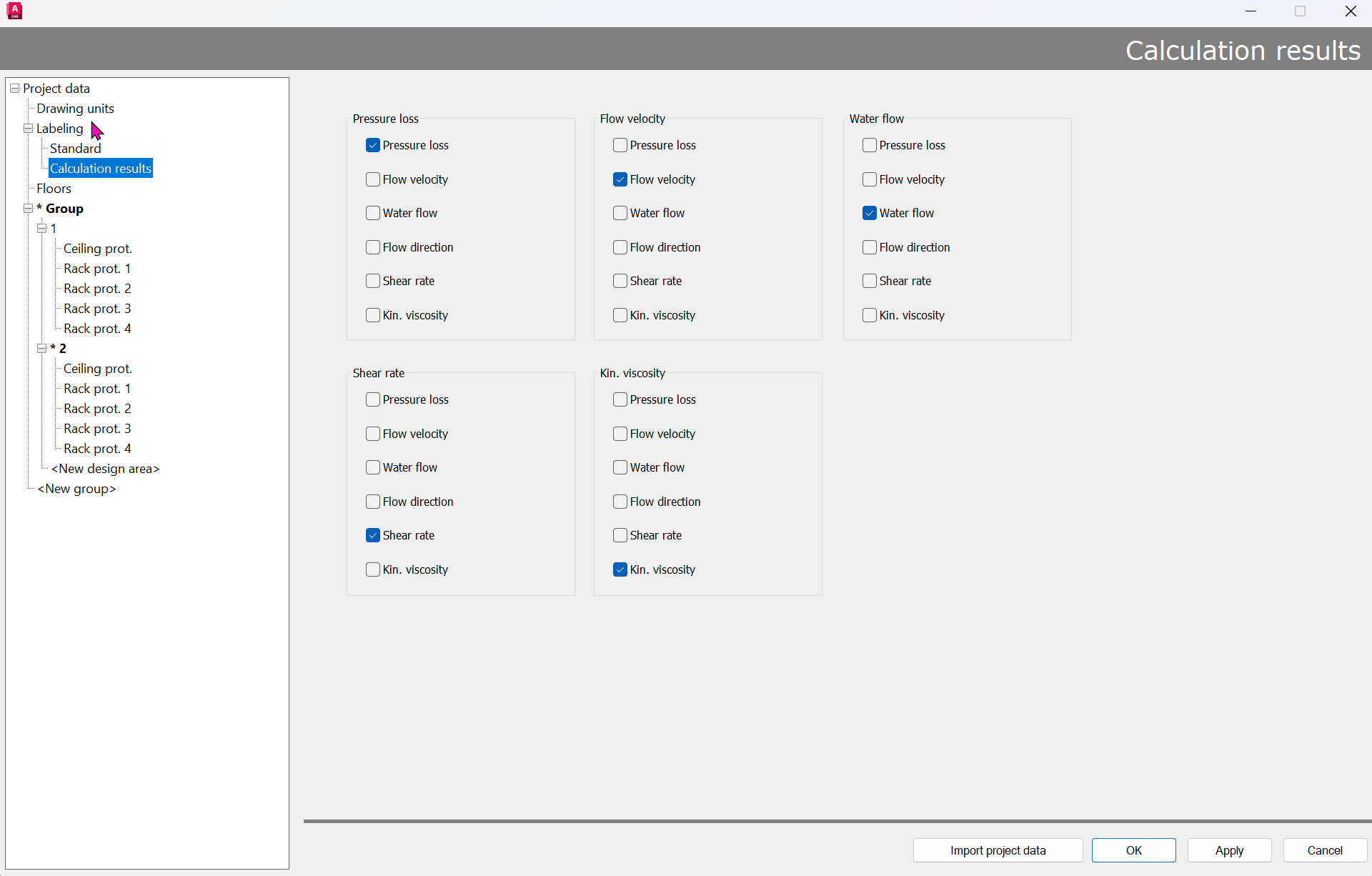
If a checkbox is selected, the corresponding elements (i.e., Pipes, branch pipes, or sprinklers) are labeled with the text, provided that a filter has been selected for the calculation results.
If a checkbox is not selected, the corresponding labels are missing from elements of that type.
If the selection is confirmed with Apply or closed with OK, the changes are applied, and all elements are labeled accordingly.
If the dialog box is closed with Cancel, any changes made have no effect, and the pipes, branch pipes, and sprinklers are labeled as they were before the dialog box was opened.
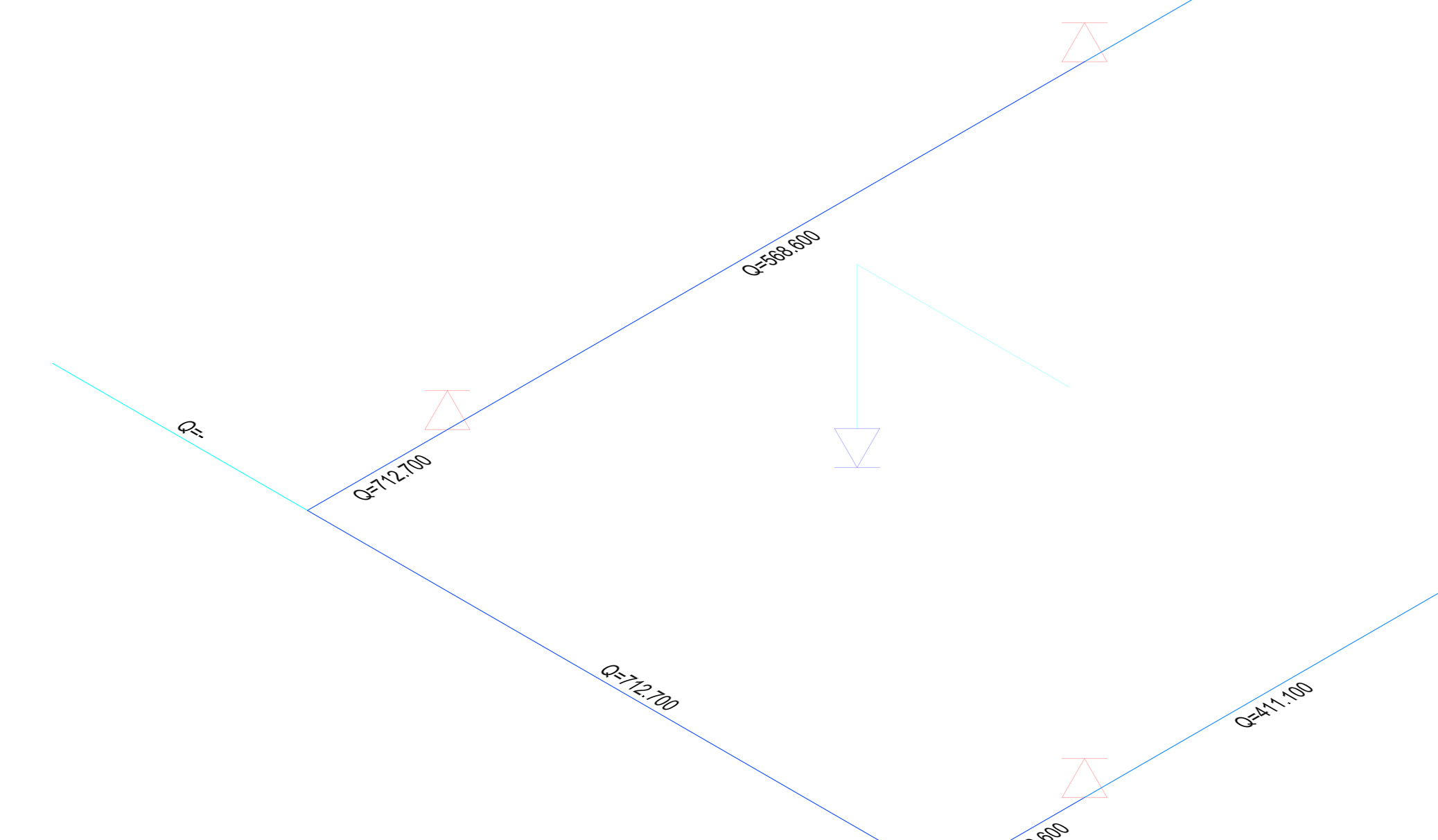
Example:
Water Flow: