Activation of tree elements


To activate a tree element, click on the corresponding element.
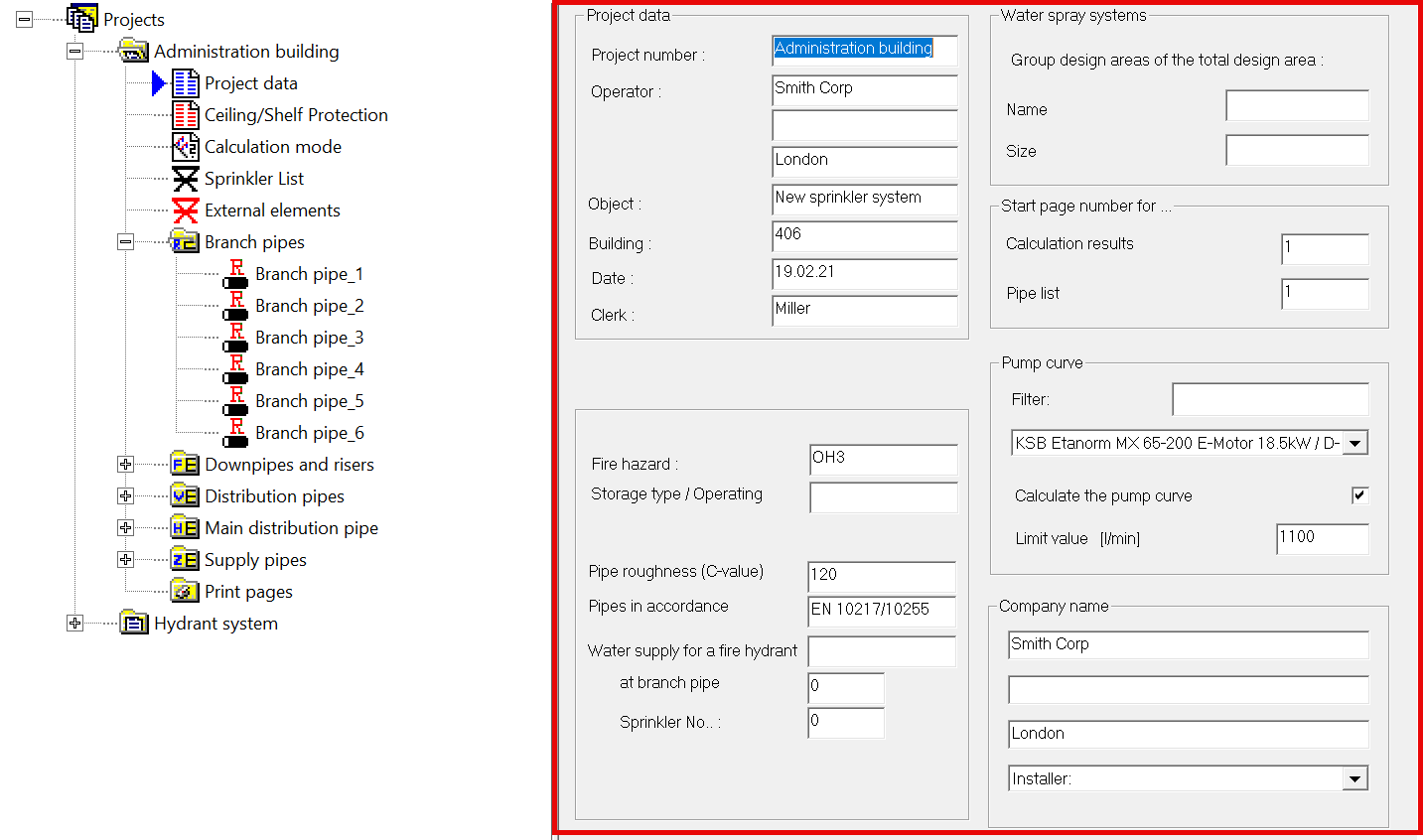
When a tree element is active, the associated input mask opens in the right-hand part of the project window.
e.g. branch pipes or project data
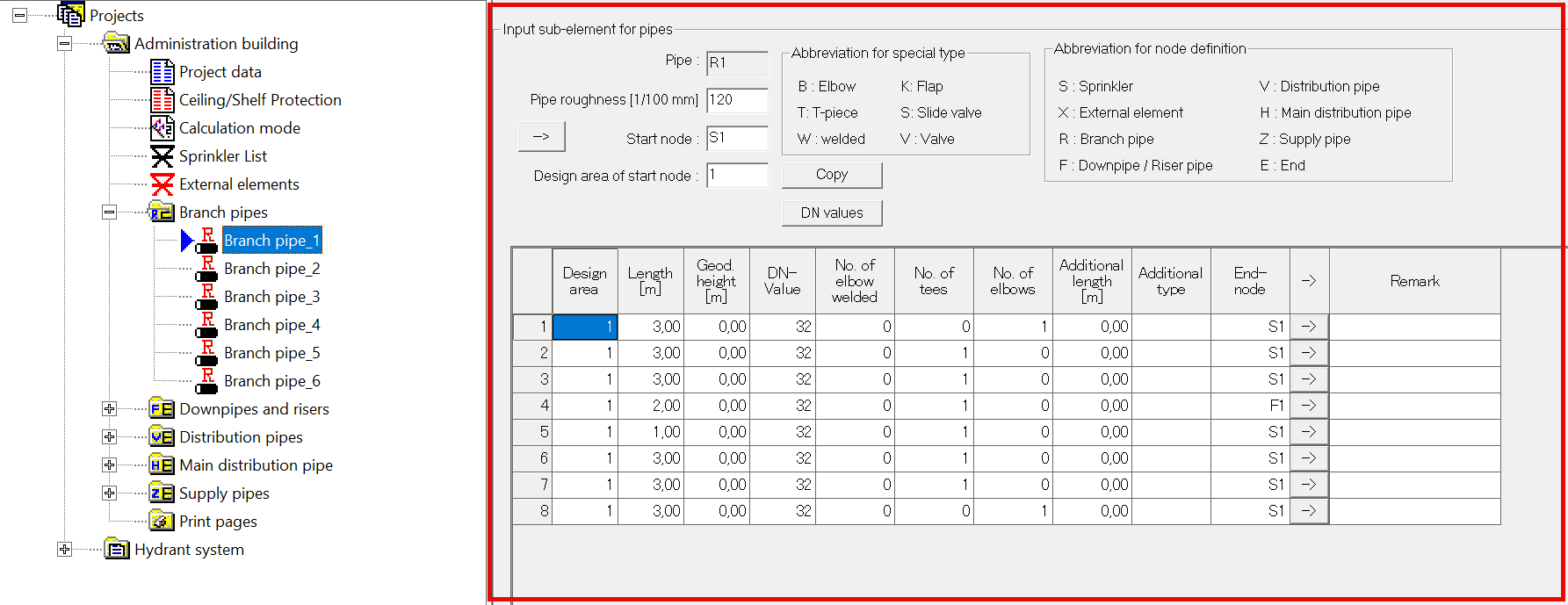
Tree elements with “+” in front of the name (e.g. the pipe lists) can contain sub- or project elements.
To display the sub-elements, the element is opened by double-clicking on the name, clicking on the “+” or pressing the RETURN key.