Branch pipes


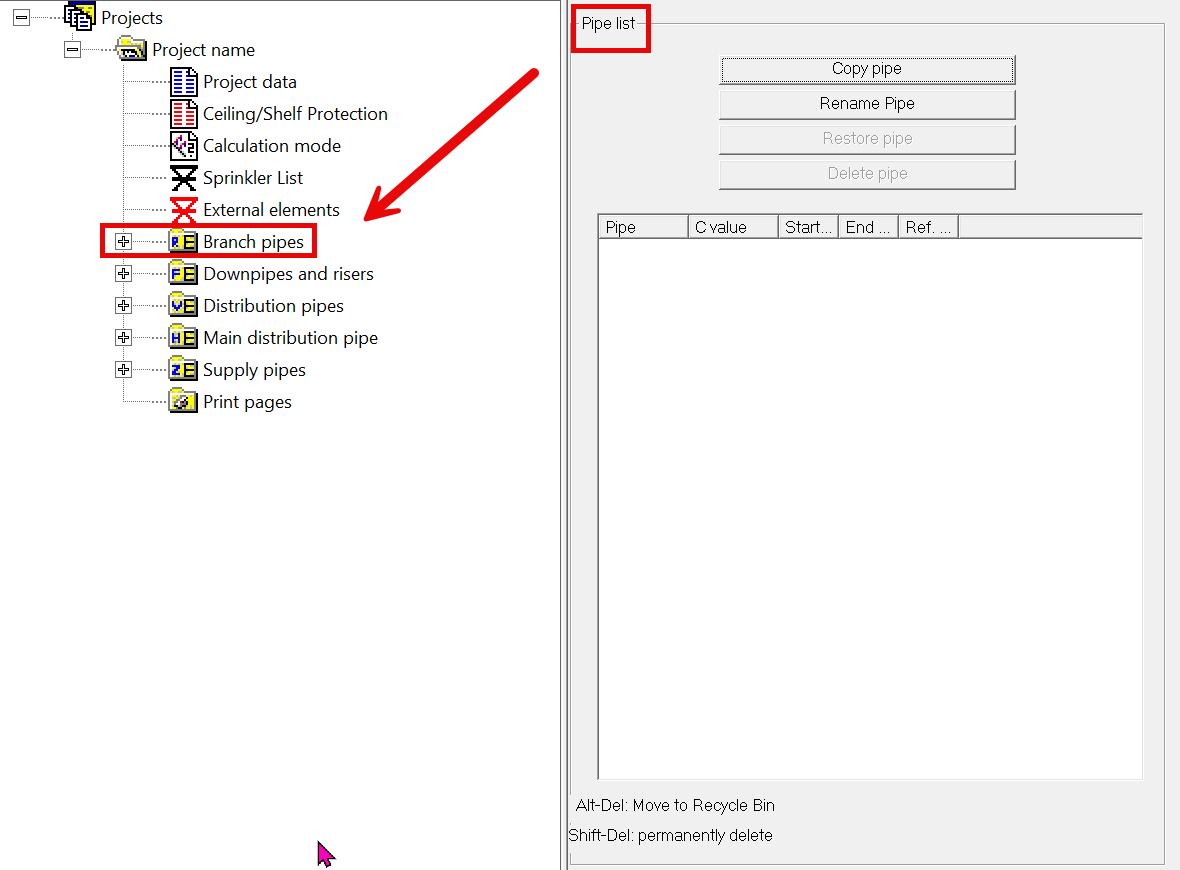
Click on the “Branch pipes” tab: the pipe list appears.
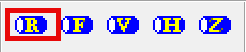
To create a branch pipe, click on the letter R.
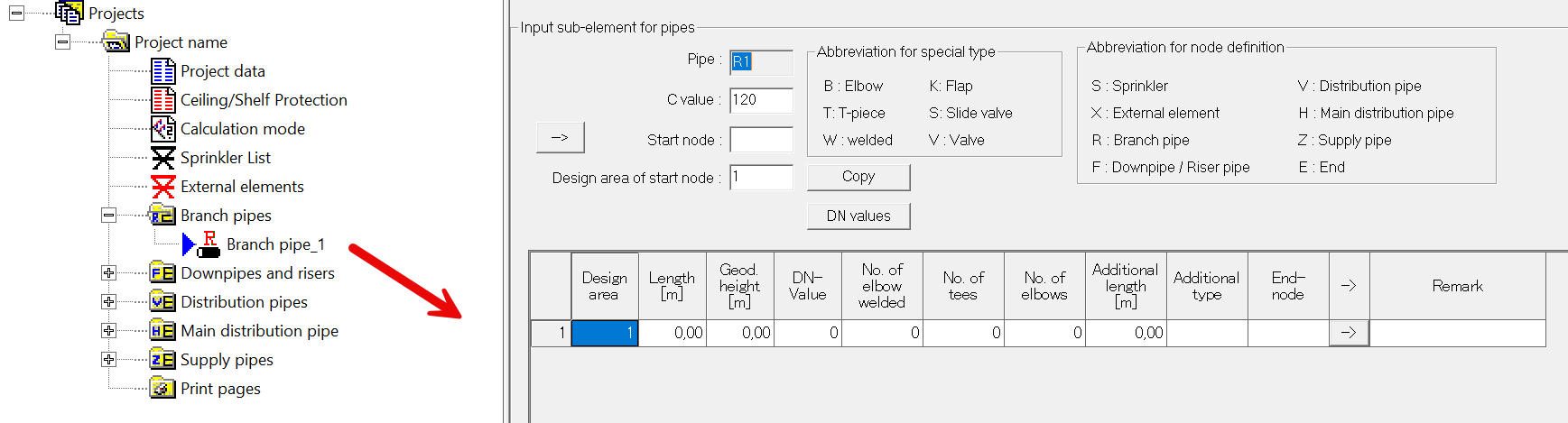
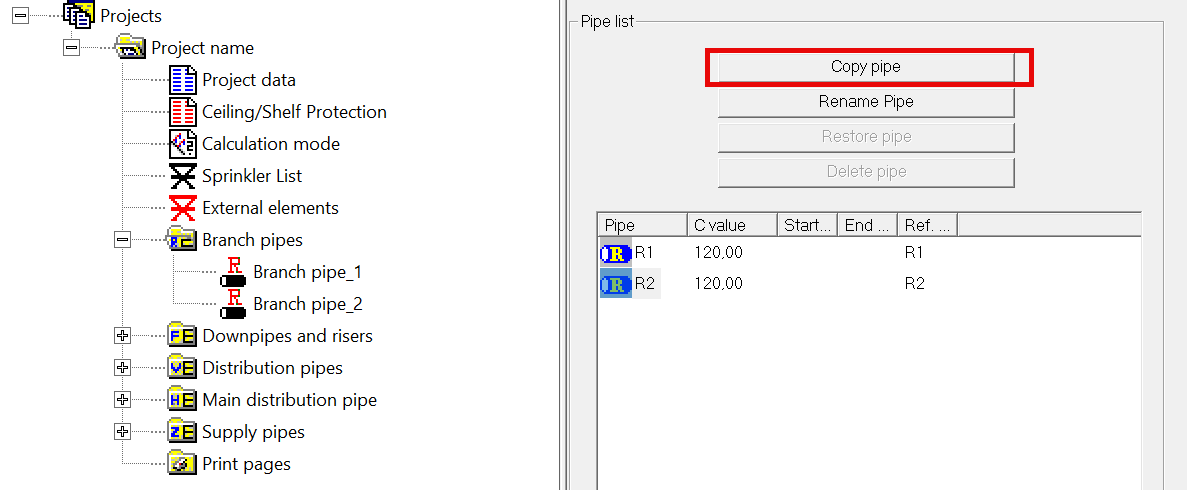
Pipe list view: Generate pipe list by clicking on the branch pipe tab:
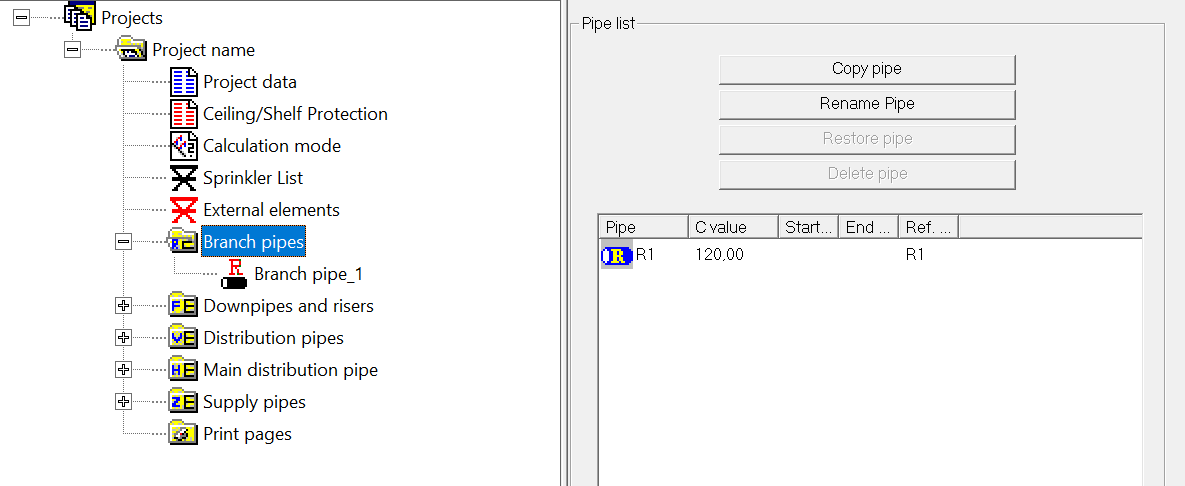
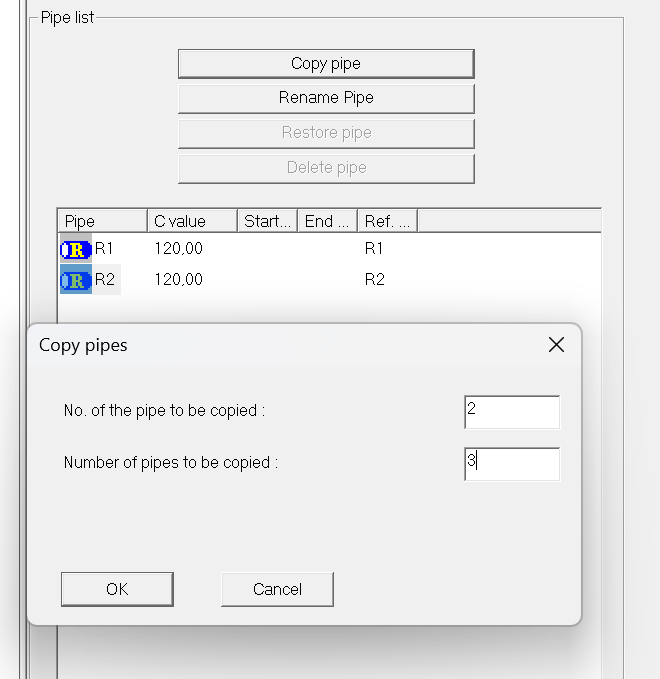
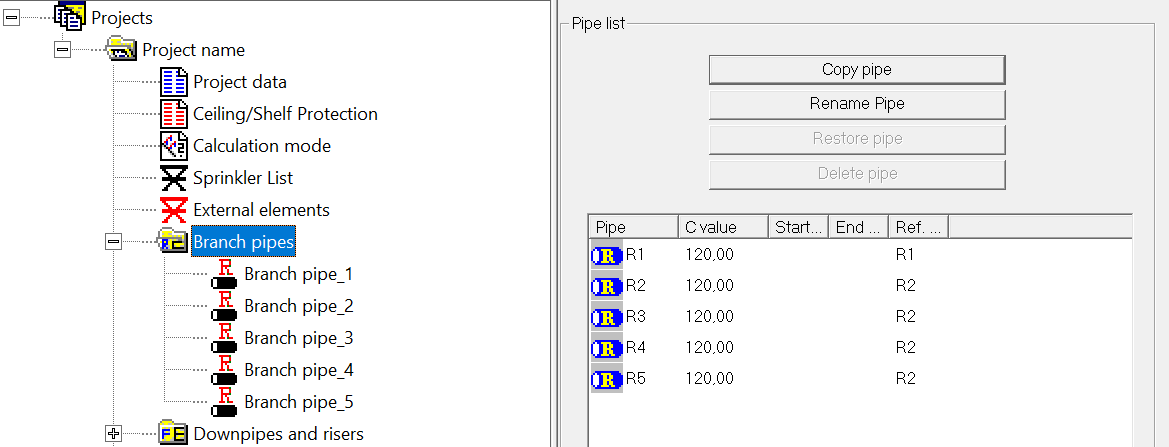
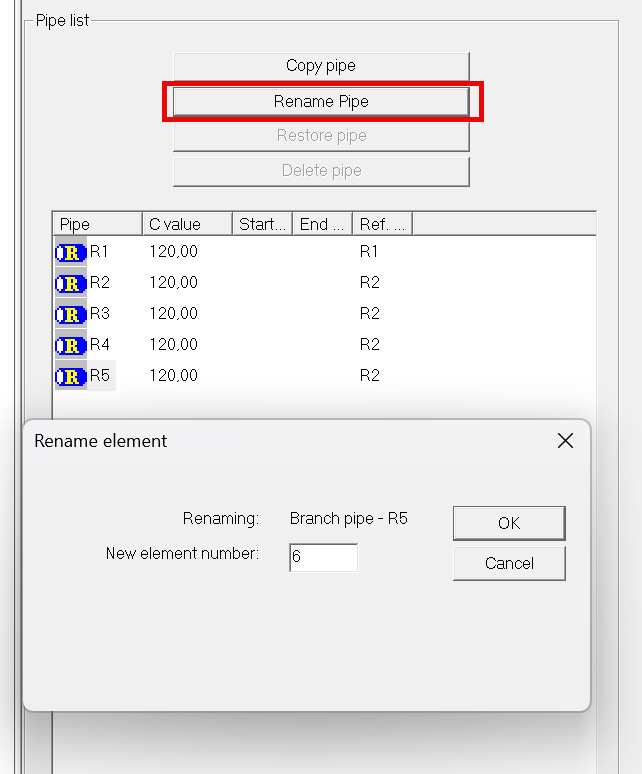
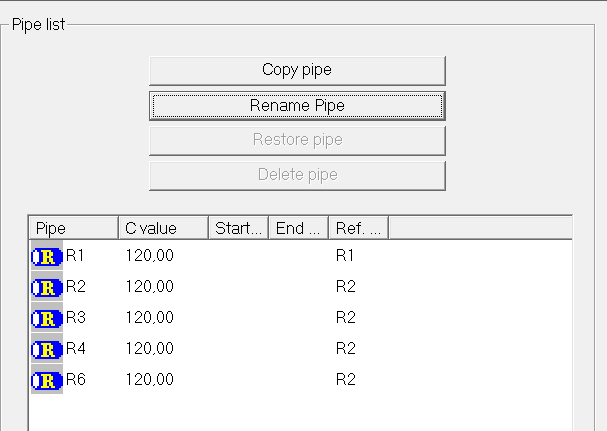
The pipe list offers the option of copying and renaming individual pipes.
Command Alt-Del -> Branch pipe is moved to the trash
Command Shift-Del -> Branch pipe is permanently deleted
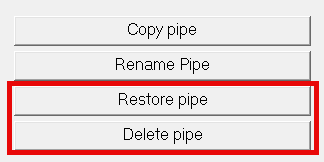
Pipes can be restored from the trash by clicking Restore and the trash can be emptied by clicking Delete.