Company
Function: Display company name and logo in the report.
The company name and logo appear in the upper-left corner of the first page of the output forms.
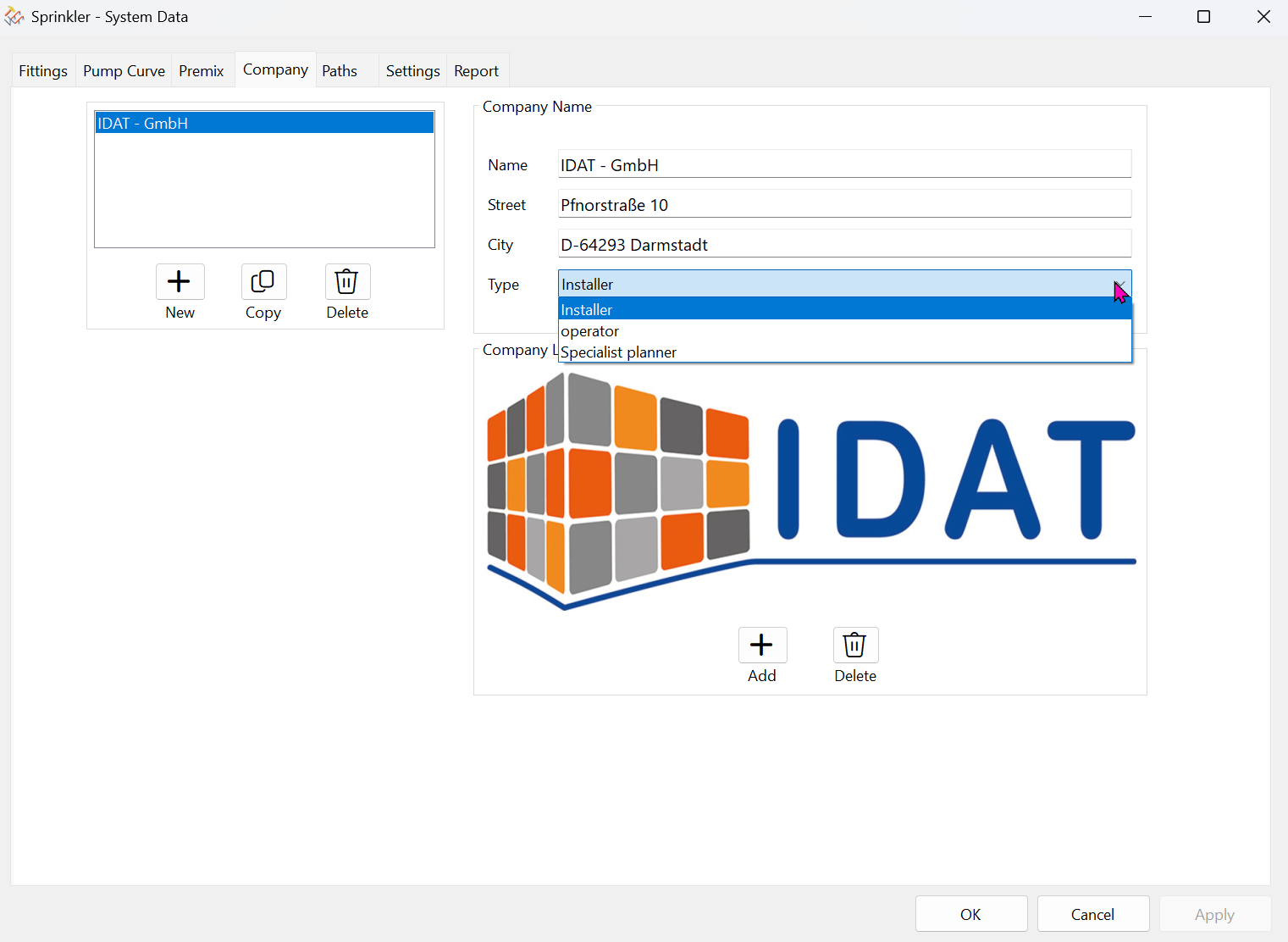
- Company List:
Management of multiple company names.
Click the New button to add additional company names.
The “Type” selection allows you to classify the company as a specialist planner, installer, or operator.
This information will then also appear on the cover page of the report.
‘Copy’ and “Delete” applies to the company list.
- Company logo:
Only one logo or no logo is possible.
The *.bmp file must have an aspect ratio of 3:1 (W:H).