Change pipe number - manually
Icon:

Manually change pipe main numbers.
After executing the command, the following input options appear in the properties palette:

Enter a new main number, e.g., 5

Select the pipes in the desired order.
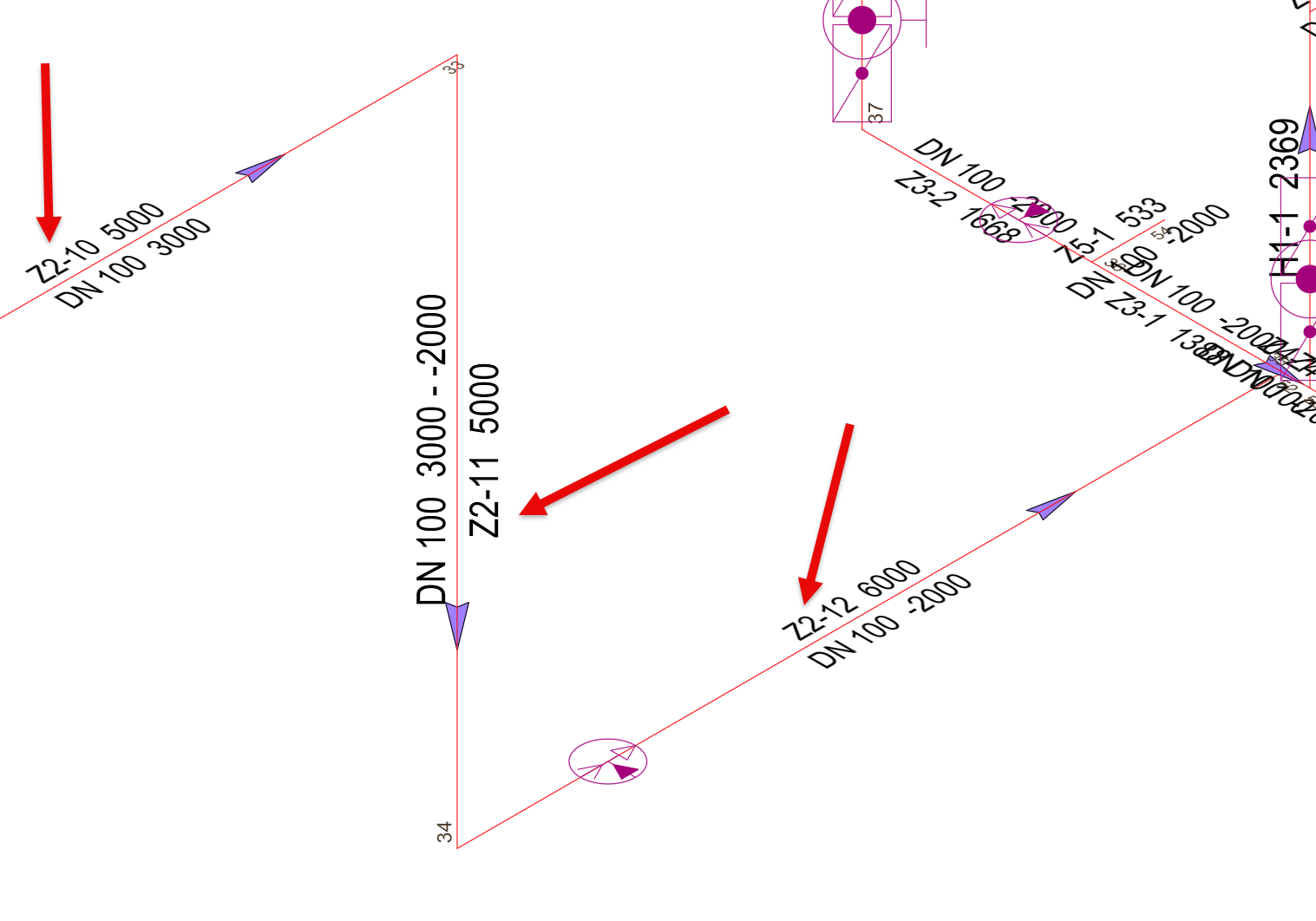
Before:
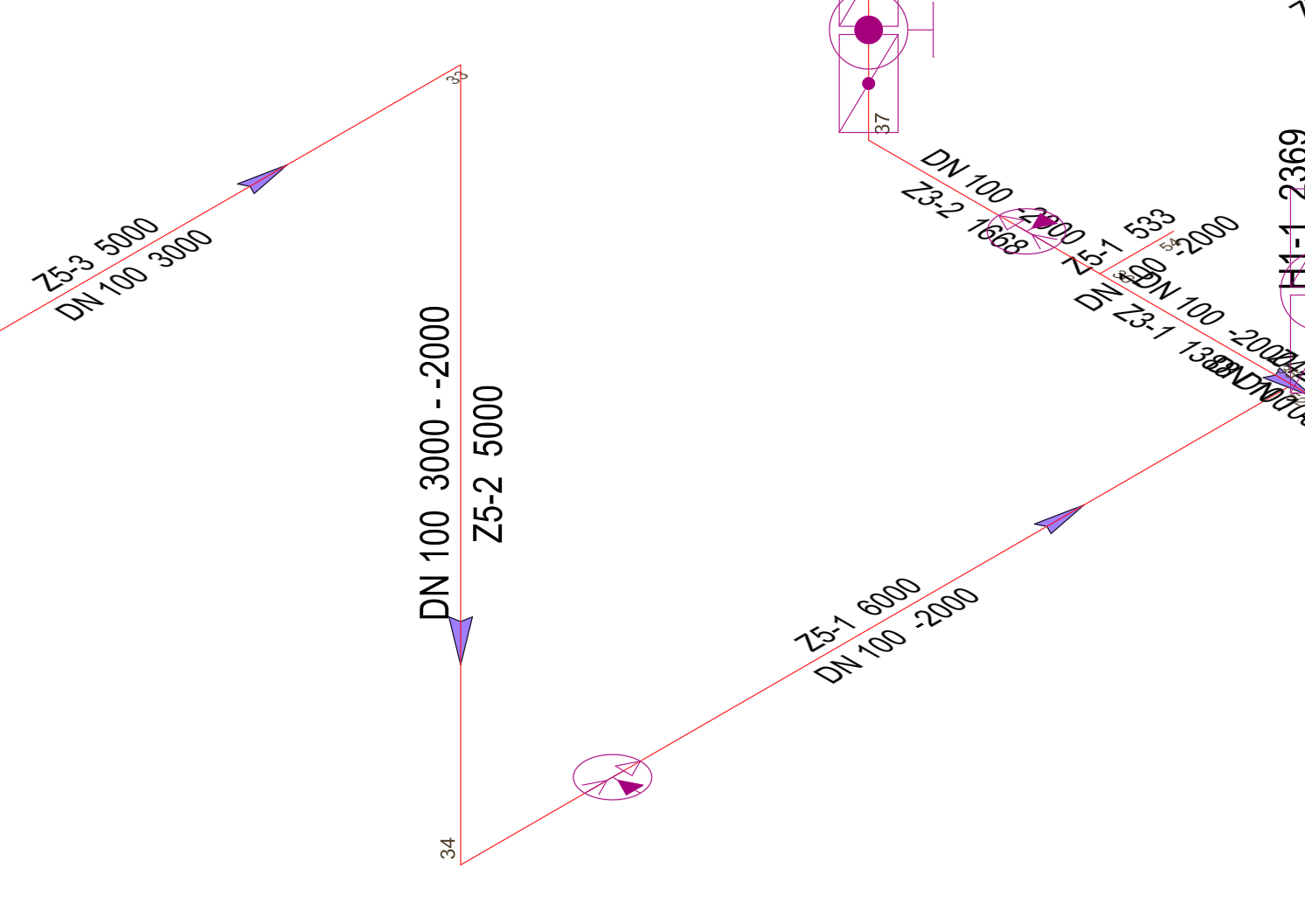
After:
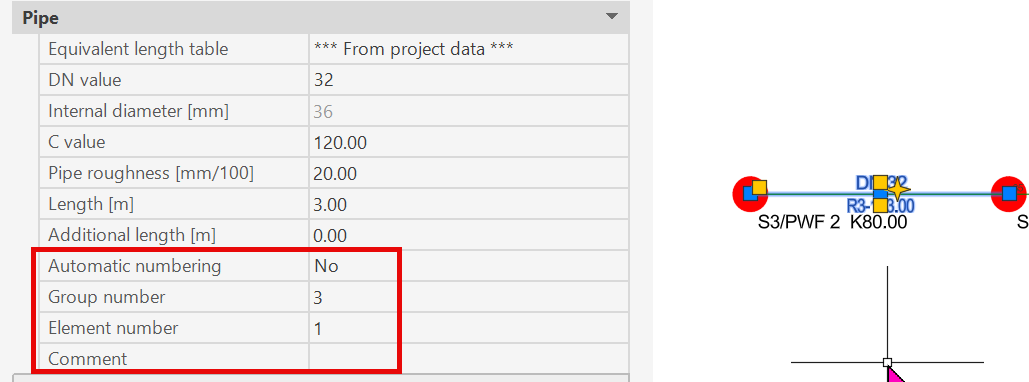
Note: Automatic numbering for the element is then disabled! If you want to use automatic numbering, you must re-enable this feature first!
Related themes: