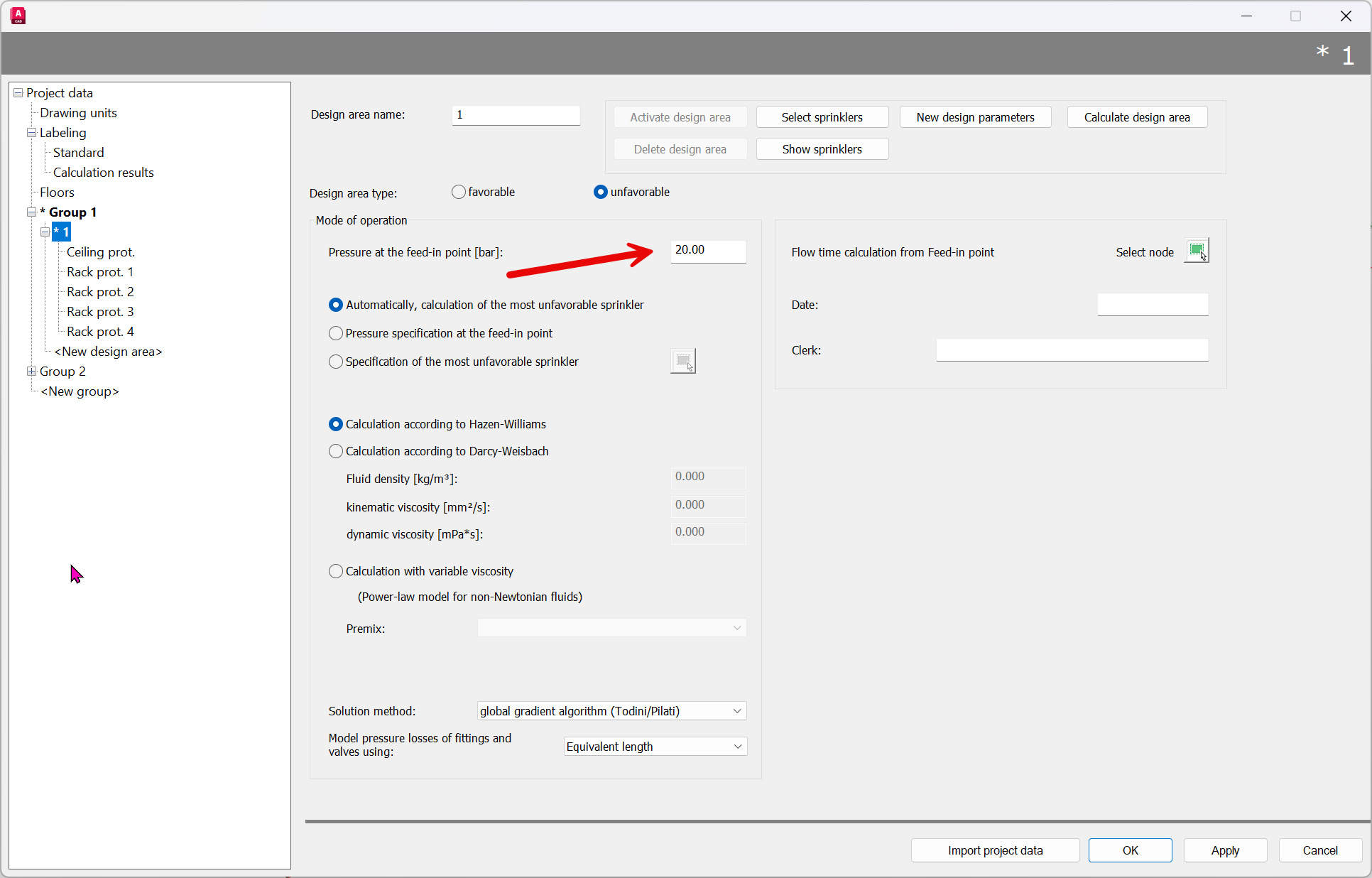
Calculation mode
Icon:

This menu item allows you to select the desired calculation mode. The following option titles appear in the dialog box:
Enter calculation method

- S: Selection of a sprinkler as the least favorable sprinkler for the calculation program. To select the least favorable sprinkler, the prompt

- P: The calculation program determines the least favorable sprinkler based on the pressure at the pump. The pressure at the pump is entered in bar i.eg. 20bar

- F: Calculation of the water flow time from a valve or the feed-in point to a sprinkler. The prompt appears

Select start node of flow time calculation. Press Enter key, flow time calculation starts at feed-in point.
The flow time is then displayed in the Flow Time column as desired. See also the Defaults chapter.
- A <Automatic>: The calculation program automatically determines the least favorable sprinkler.
The set data remains valid until new values are set using this menu item.
The data corresponds to the entries in Project Management/Design Areas.
If the calculation is started without setting the calculation type, the calculation type “Automatic determination of the most unfavorable sprinkler” is used as the default value.
Note: In the “Automatic” calculation type, a test calculation is first performed with a supply pressure of 20 bar to find the most unfavorable sprinkler.
If the height difference between the pump and the highest sprinkler is greater than 200 m, this pressure is insufficient to supply the entire system with water.
Tip: Select the “Pressure at the feed-in point” option and enter a pressure of, for example, 50 bar, which is certainly sufficient to reach even the highest sprinkler. Then switch immediately to the “Automatic” calculation mode; the system will then search for the least favorable sprinkler using the previously entered pressure. In Project Management/Design area, this pressure can also be preset directly for the calculation.