Options


This menu item includes the default settings for the calculation.
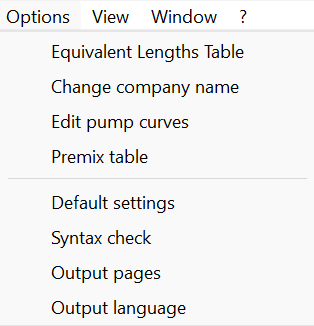
The use of the equivalent length table is explained in detail in the chapter Equivalent lengths table.
Here you have the option to run the calculation again with a different table or to edit the results.
Here you can directly enter the Company name that should be displayed in the header of the calculation results.
You can also create company lists here and manage several company entries.
An existing company list can also be created by copying.
The handling of pump curves is described in detail in the chapter Pump curves.
Here you have the option to run the calculation again with a different pump or to edit it in the calculation program.
The handling of premix tables is described in detail in the chapter Premix table
Information on this is provided in the chapter on Default settings.
Information on this is provided in the chapter on Syntax check.
Information on this is provided in the chapter on Output pages