Company name


Function: Display company name and logo in the report.
The company name and logo appear in the upper-left corner of the first page of the report.
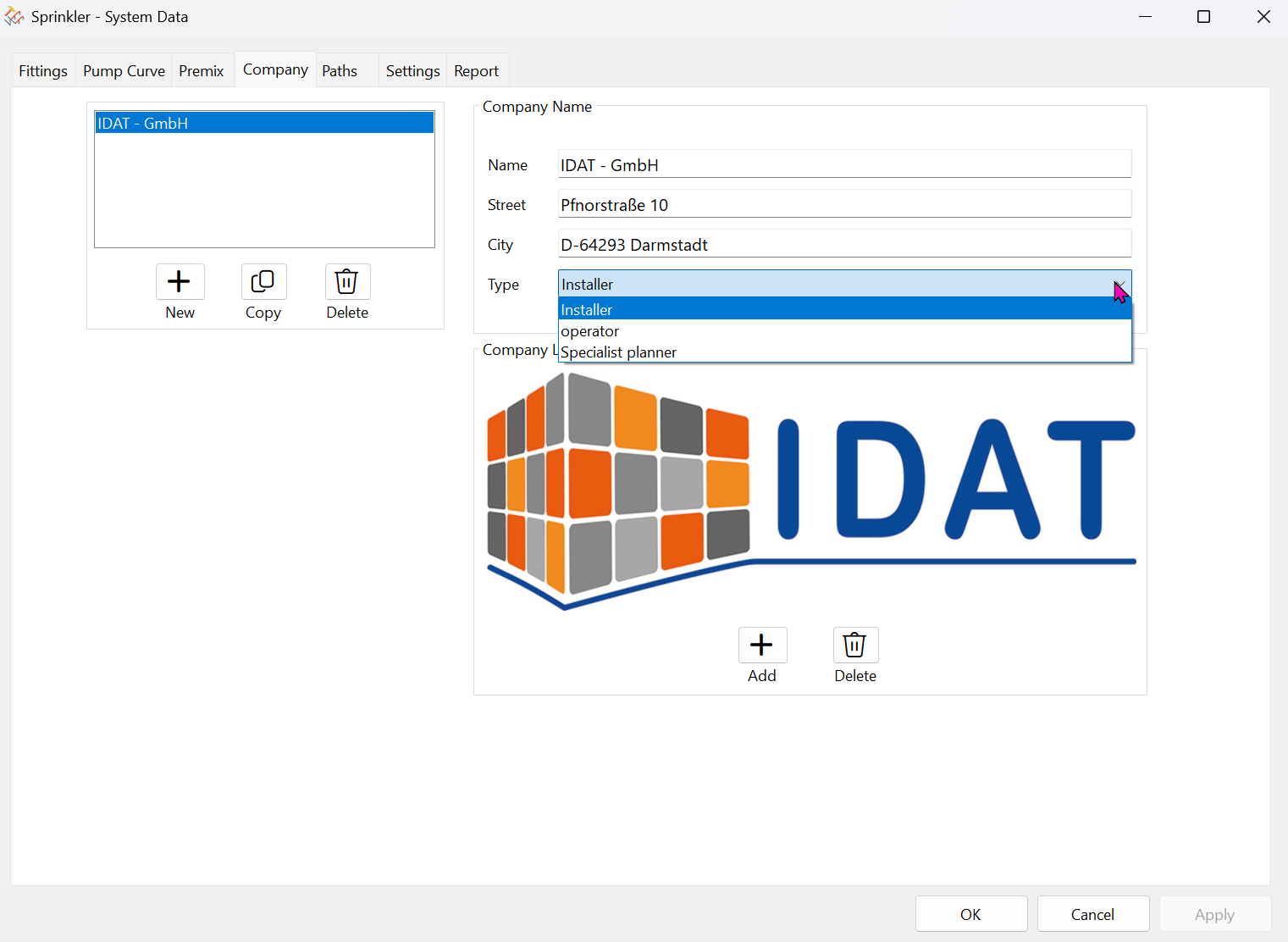
Management of multiple company names.
Click the New button to add additional company names.
The “Type” selection allows you to classify the company as a specialist planner, installer, or operator.
This information will then also appear on the cover page of the report.
‘Copy’ and “Delete” applies to the company list.
Only one logo or no logo is possible.
The *.bmp file must have an aspect ratio of 3:1 (W:H).