Project data, miscellaneous, active area
If no object is selected in the AutoCAD/ BricsCAD editor, the following categories appear in the properties palette in addition to the standard drawing settings:
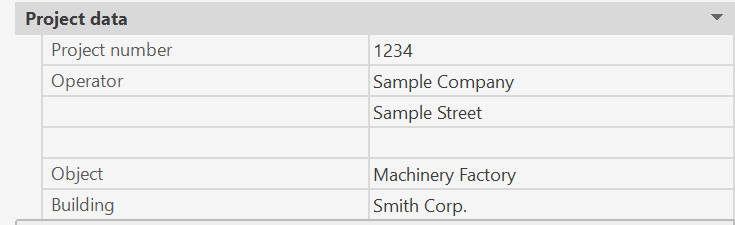
- Category Project data:
The project data of the project (project number, operator, object, ...) are displayed and can be changed directly.
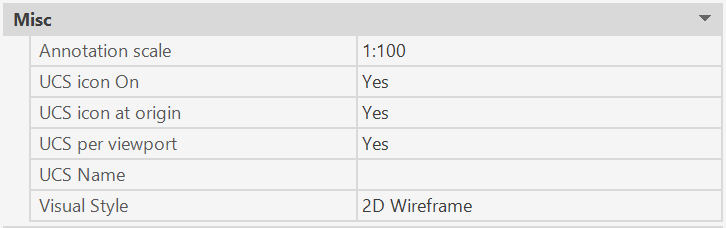
- Category Misc:
Setting the lettering scale controls, the size of the lettering and symbols in the model and drawing area.
Different scales are also possible in separate viewports in the drawing area.
- Category Design area:
The active active area number for the next calculation run is set.
Only sprinklers that belong to this design area and whose property "activated in design area" is set to "Yes" are active.
