Premix
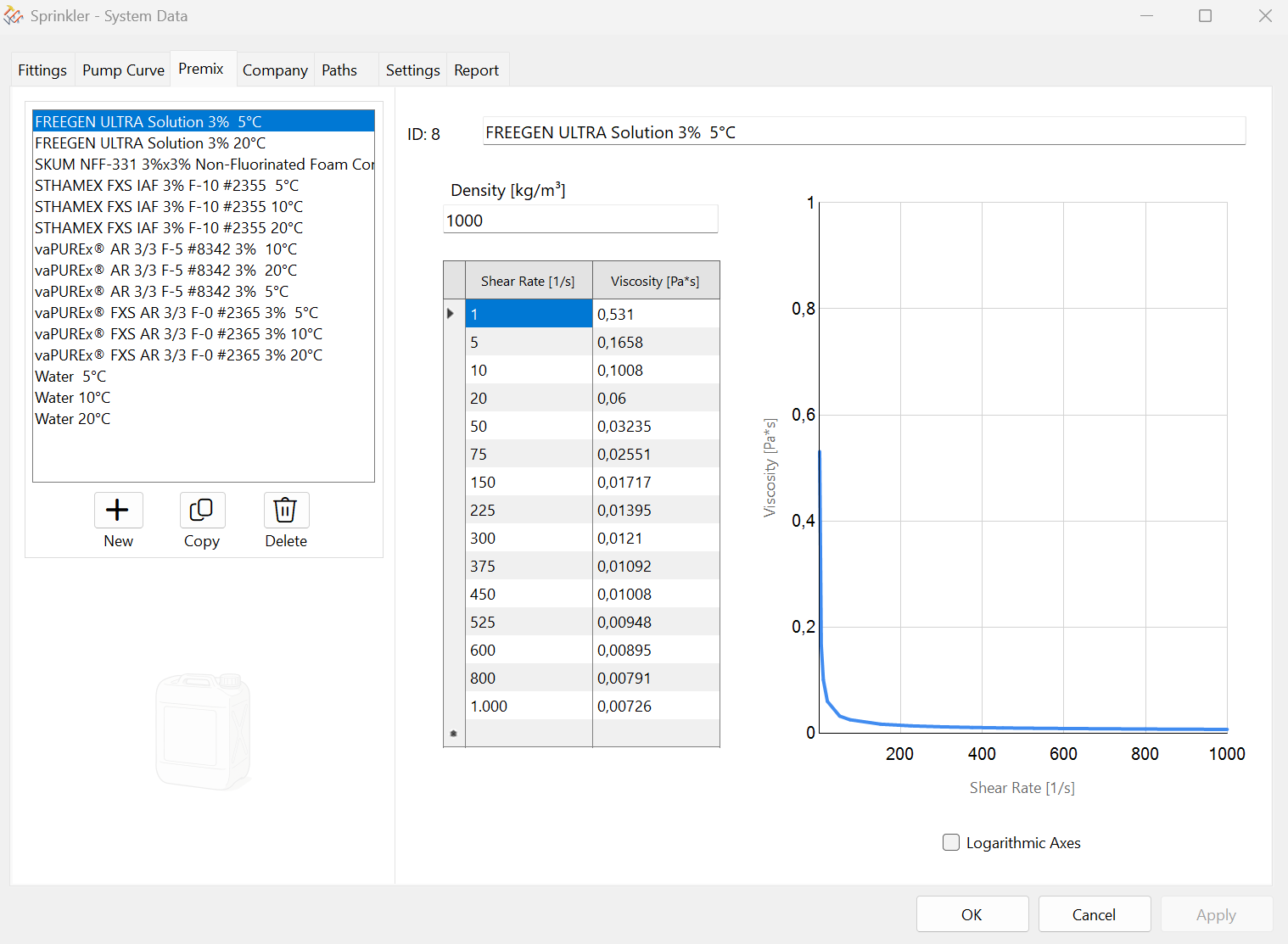
Function: Edit, delete, and create premix curves. Preview premix curve.
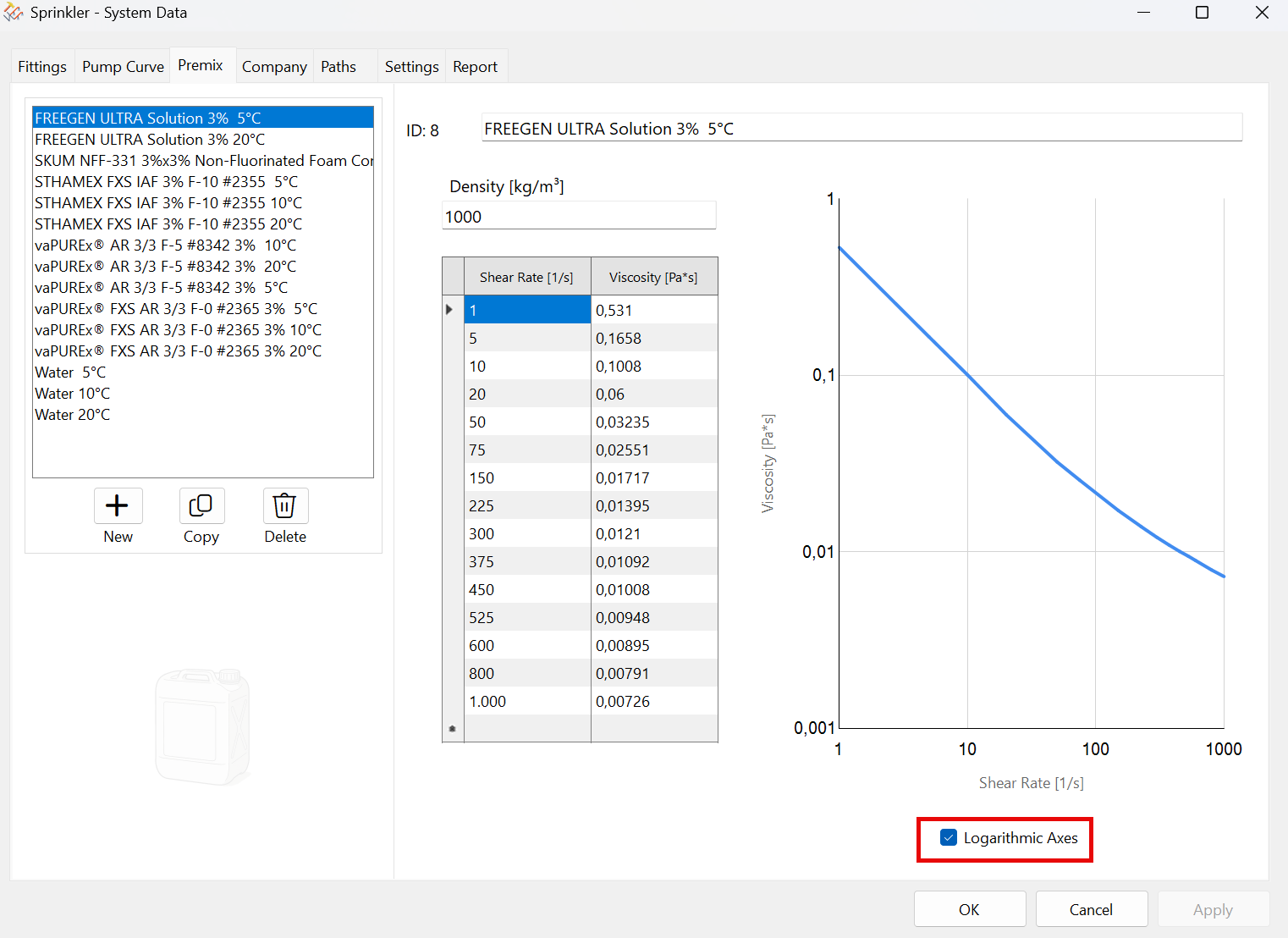
Graph with logarithmic axes (the checkbox at the bottom is selected). The curve becomes a straight line:
The appropriate pair of numbers can be found in the manufacturer's documentation.
Use the following functions to add, copy, or delete premix curves.

When creating new premix curves or making changes to existing premix curves, the “Apply” button must be used before switching to a different curve.
Otherwise, a warning message will appear. Values from other curves can be copied and pasted using Ctrl+C and Ctrl+V, even across rows.
This icon also appears while editing  at the bottom of the dialog box. Any changes made can be undone immediately.