Paths
Function: Display paths for configuration files
The user also has the option to set different paths and specify the storage location themselves. This is useful when multiple users, for example, want to access the same equivalent length table. However, a drive letter must be assigned to this shared path.
Forms: Path to the form files
Equivalent Lengths Winsprink/SpriCalc: Path to the file containing the equivalent length tables (AEQUIVAL.DAT).
Pump Characteristic Curves Winsprink/SpriCalc: Path to the file containing the pump characteristic curve file (PUMPKENN.DAT).
Company Name: Location of the company name file (Firma.cfg)
Winsprink/SpriCalc Premix Tables: Path to the file containing the premix tables (PREMIX.DAT) for calculations with variable viscosity (SpriCAD manual)
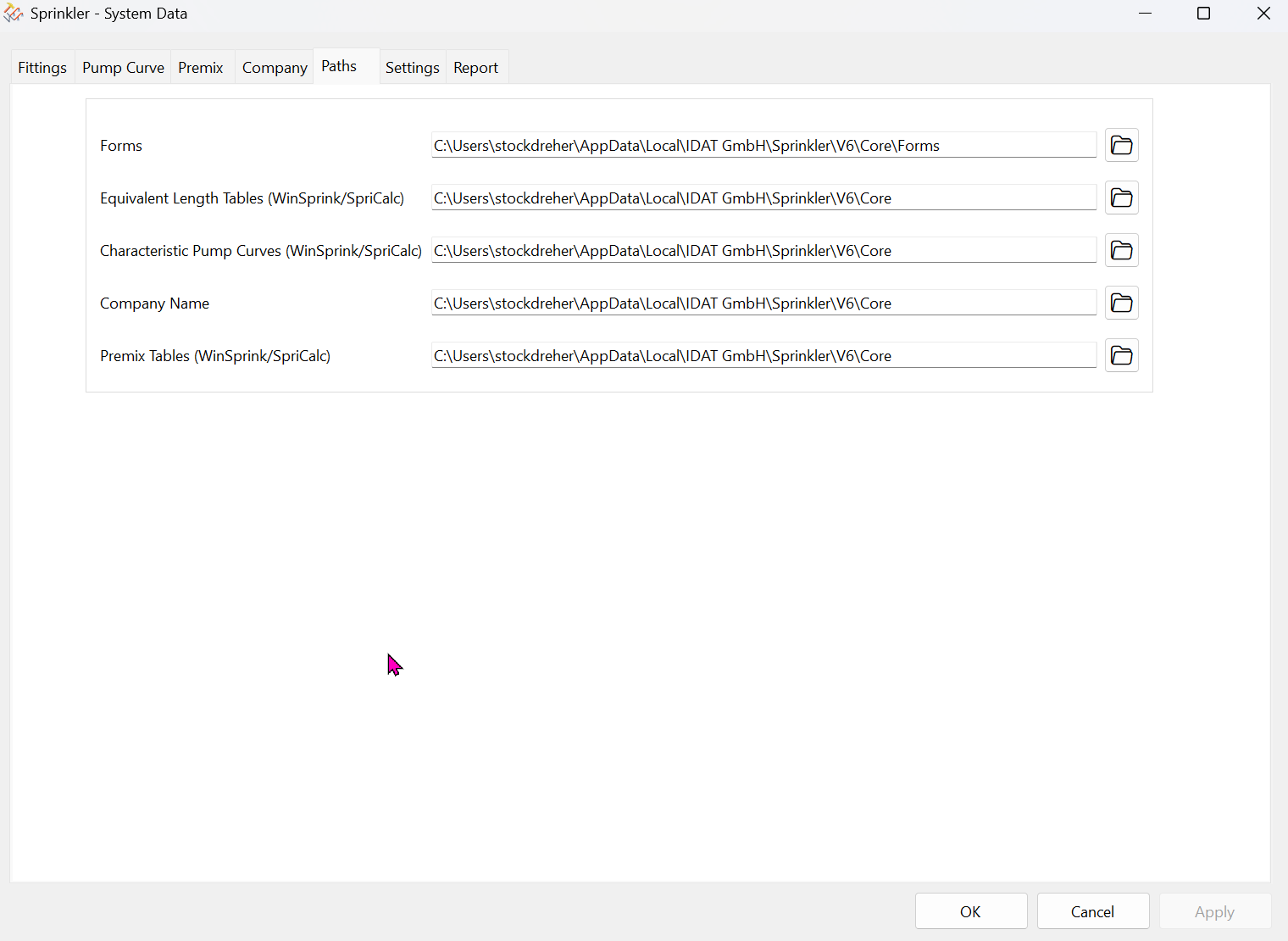
After clicking the folder icon at the end of each path, a new path can be selected using the standard Windows File Explorer.
Paths can also be copied and pasted using Ctrl+C and Ctrl+V.