External elements


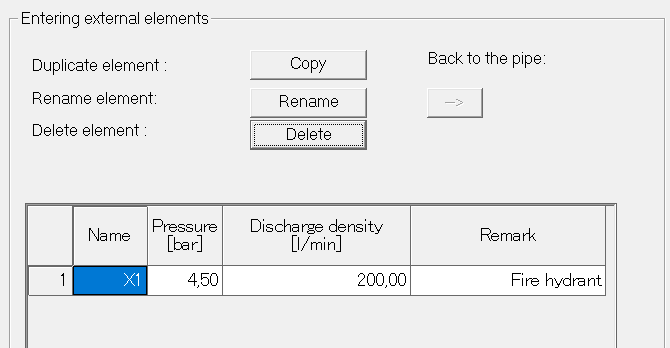
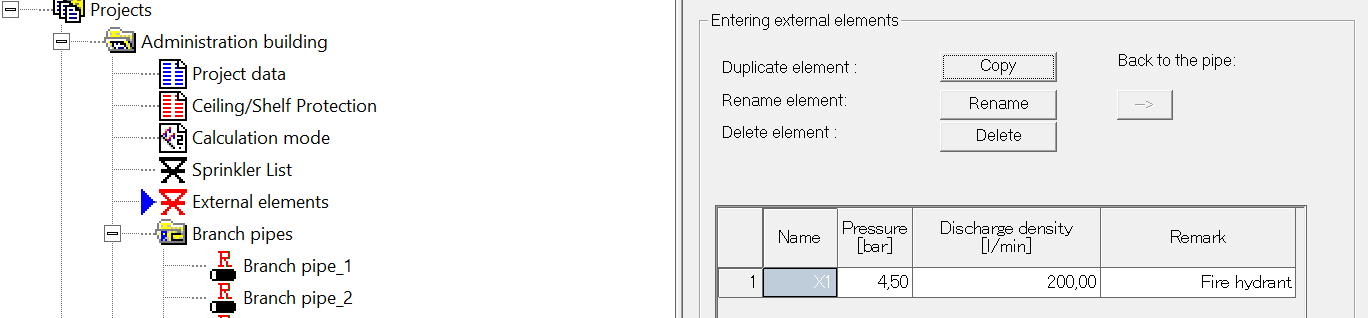
The data for the external elements are entered in the following dialog box.
The first external element can be entered directly, all others are created by copying and then edited as necessary.
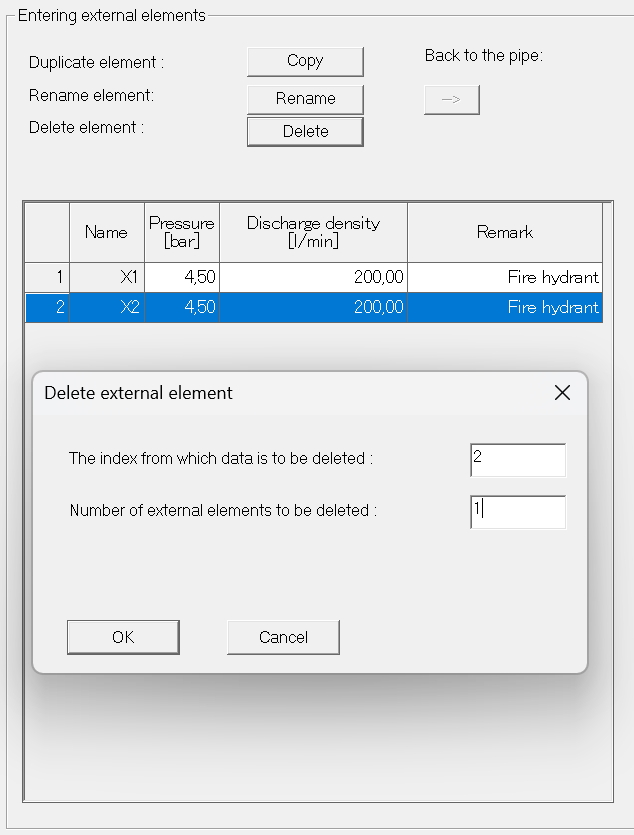
Copying and deleting an external element works in the same way as copying or deleting a sprinkler.
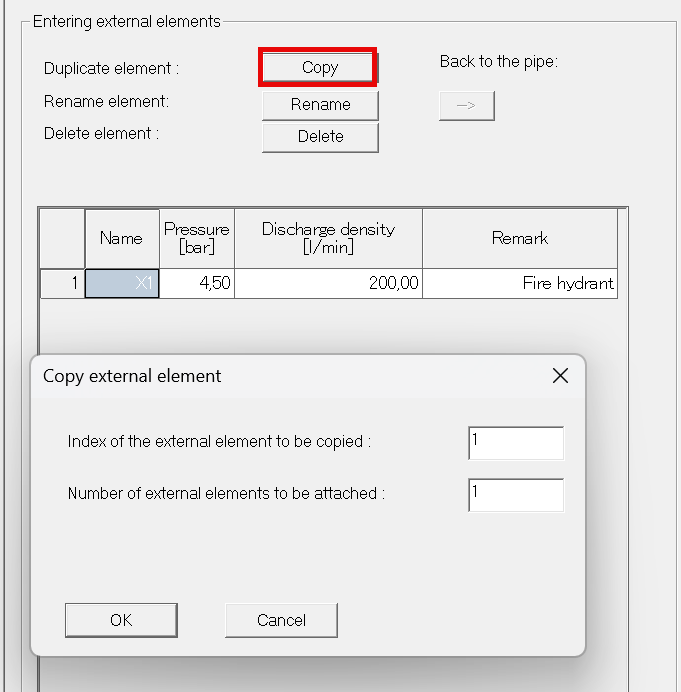
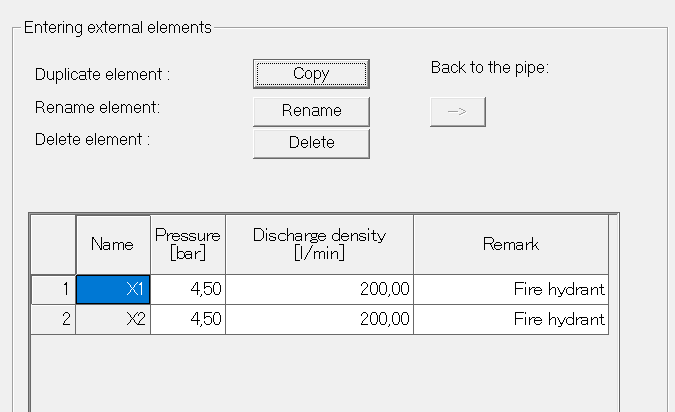
After that, different X elements can still be customized with their values.