Installation
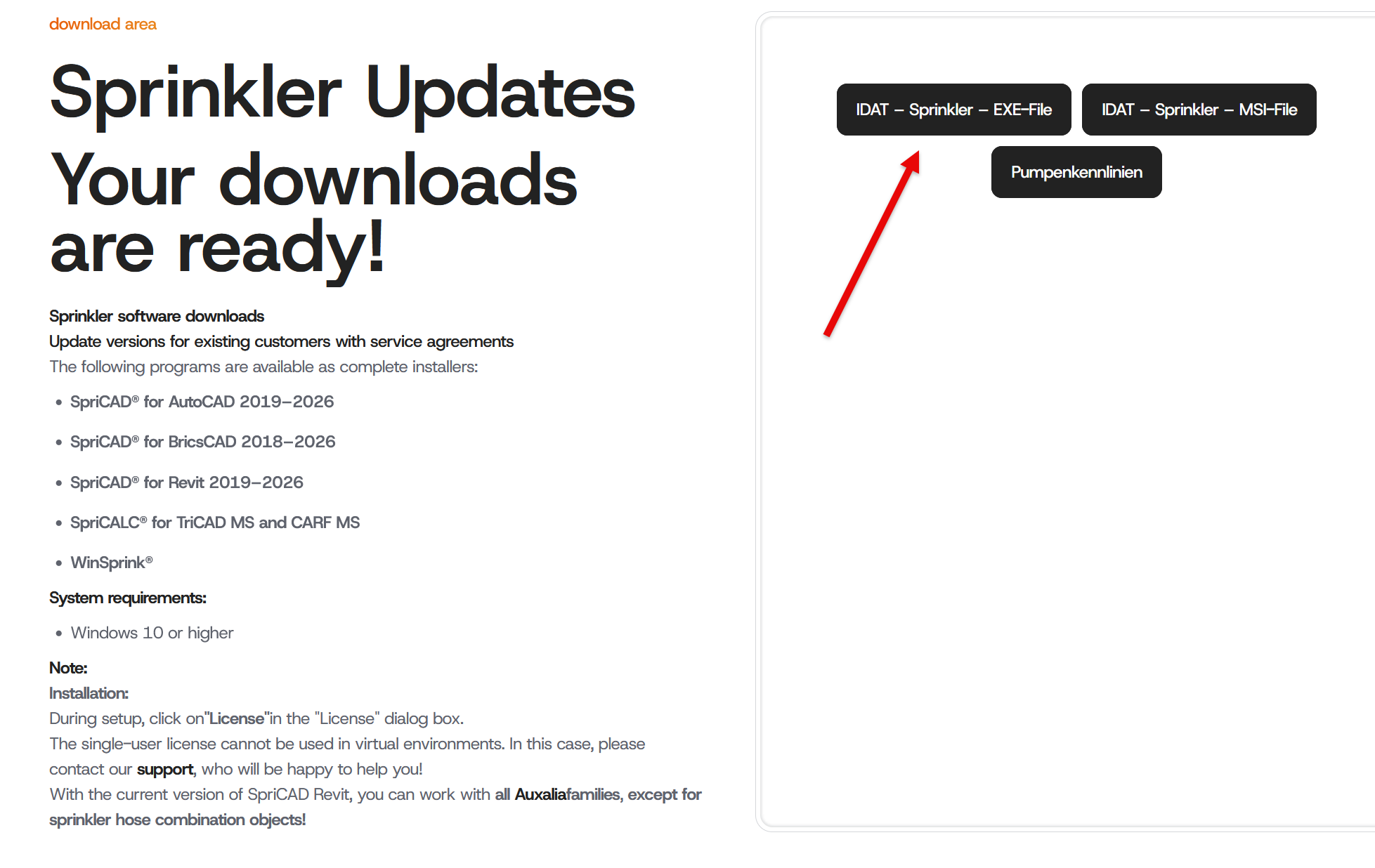
You can download your software from our homepage www.idat.de.
(See also License.)
The file must be extracted after the download and secured locally on the computer.
Double-click on the *.exe file.
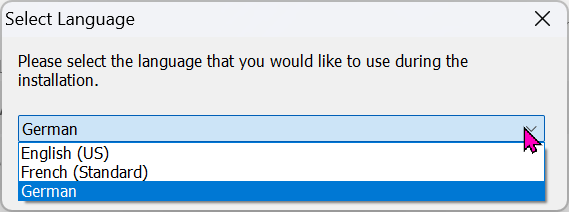
Select your language in the first dialogue:
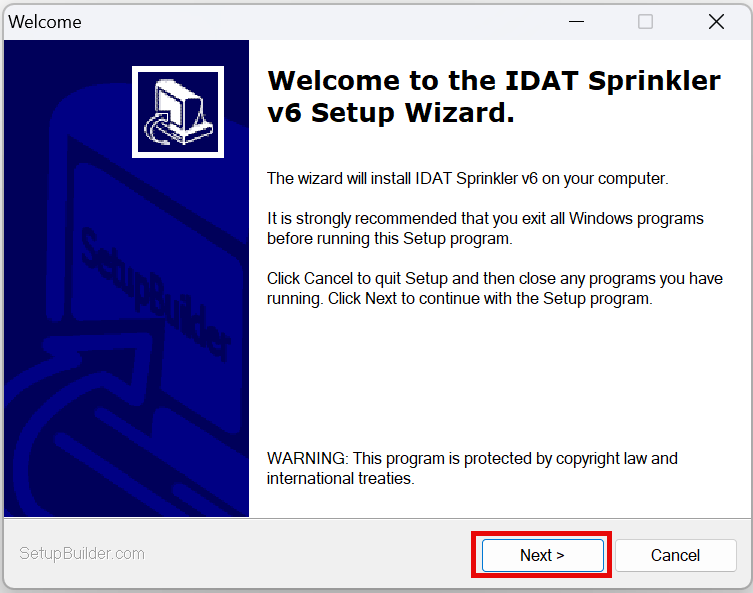
Starting the installation:
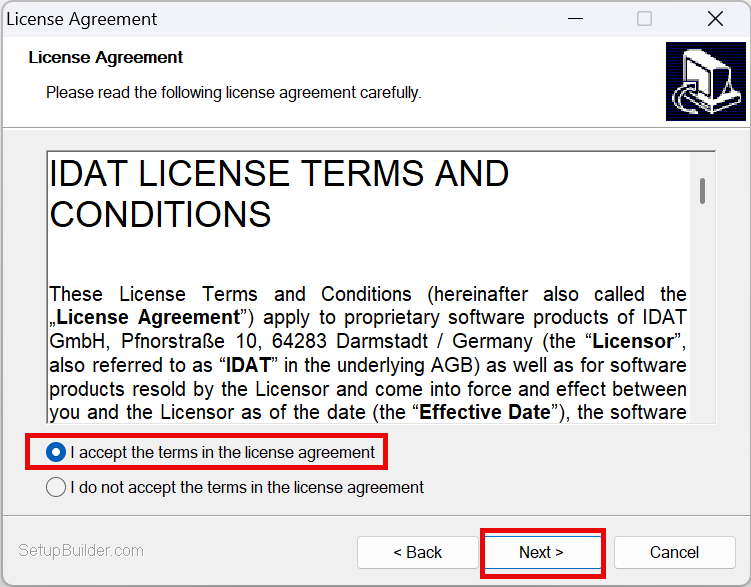
Confirmation of license agreement:
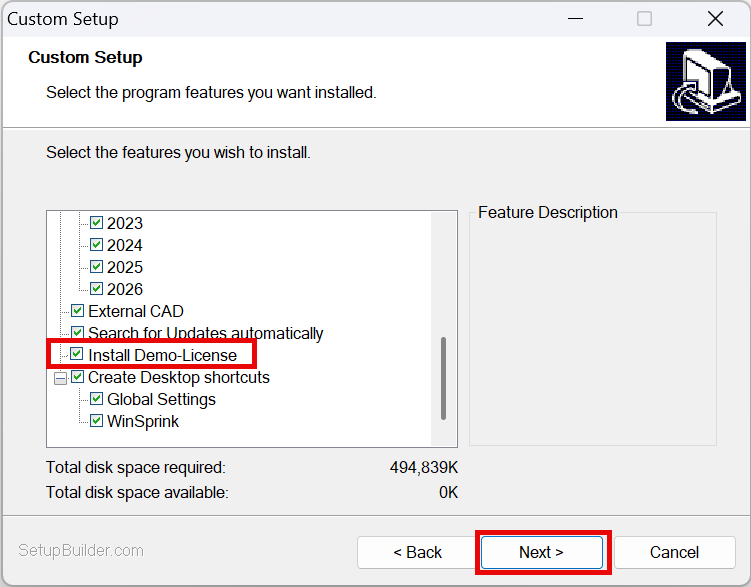
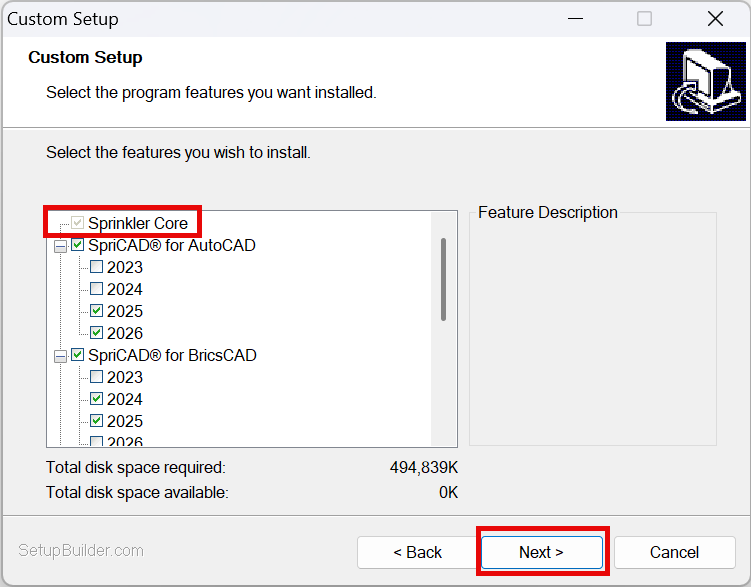
Select the program to install. This is a universal installer for all IDAT sprinkler programs, which is why all programs are listed. The IDAT license determines which programs can be used. SpriCalc (Sprinkler Calculation Core) is always installed automatically and does not need to be selected!
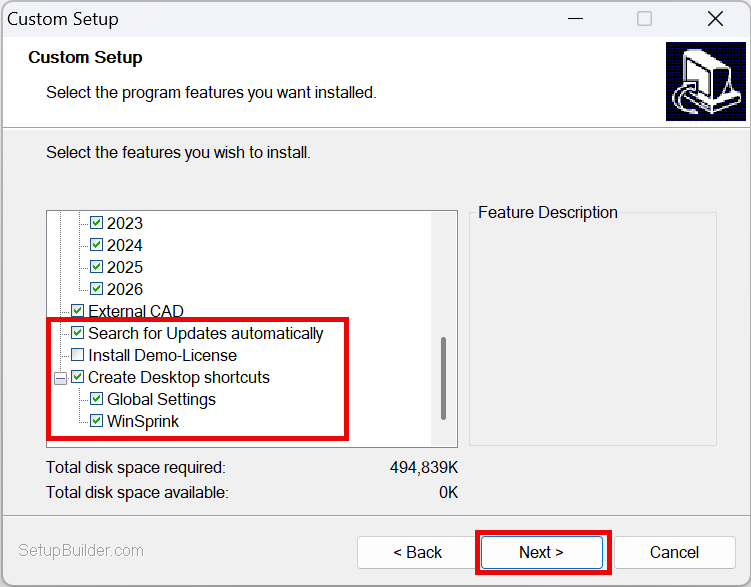
For installations with a license, leave the “Install Demo License” checkbox unchecked!
Automatic Update Check and link to Global Settings as needed..
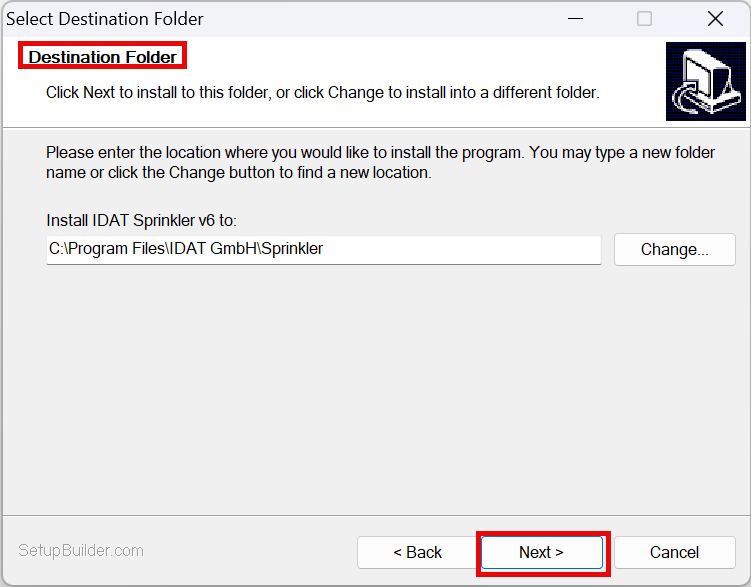
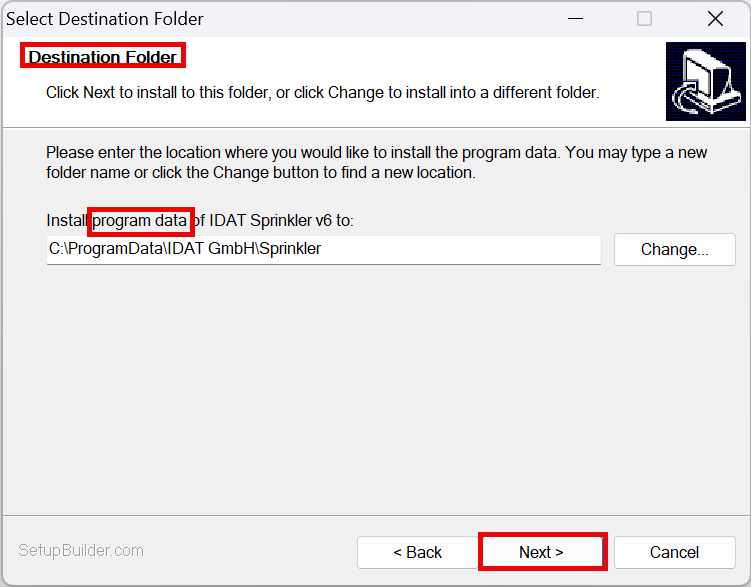
Select the destination directory (Installation and Program Data) (default recommended):
Installation is starting.
Codemeter Runtime for license management will be installed as well.
When installing the demo license, be sure to select “Install demo license.”