Installation


The latest software can be downloaded on our homepage www.idat.de.
(See also License.)
The file must be extracted after the download and secured locally on the computer.
Double-click on the *.exe file.
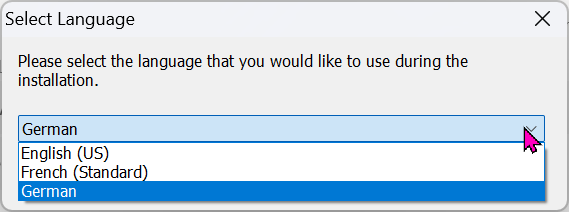
Select language in the first dialogue:
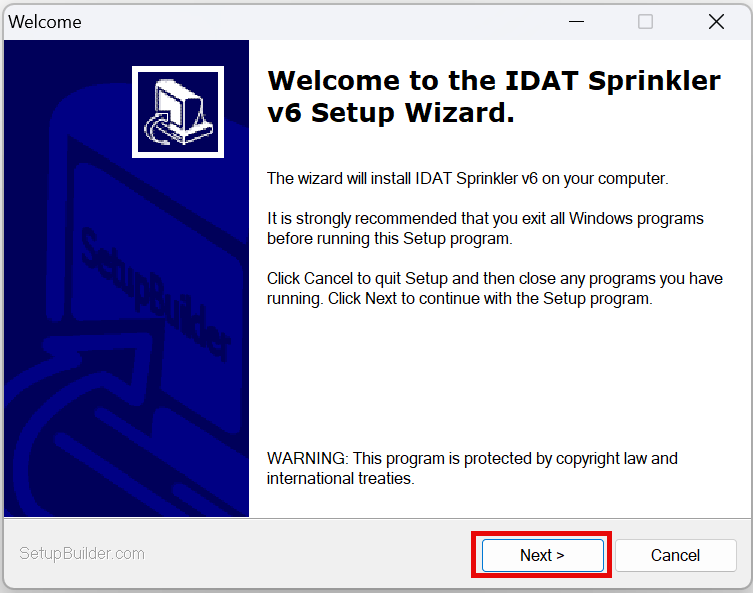
Starting the installation:
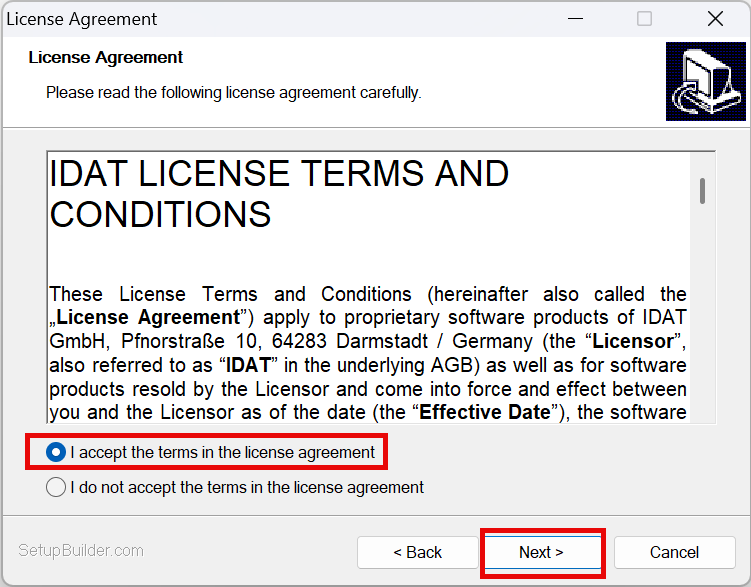
Confirmation of license agreement:
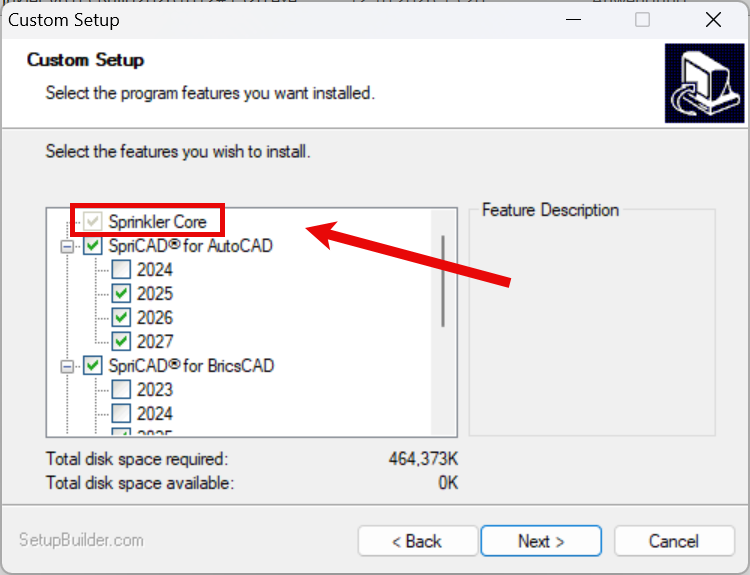
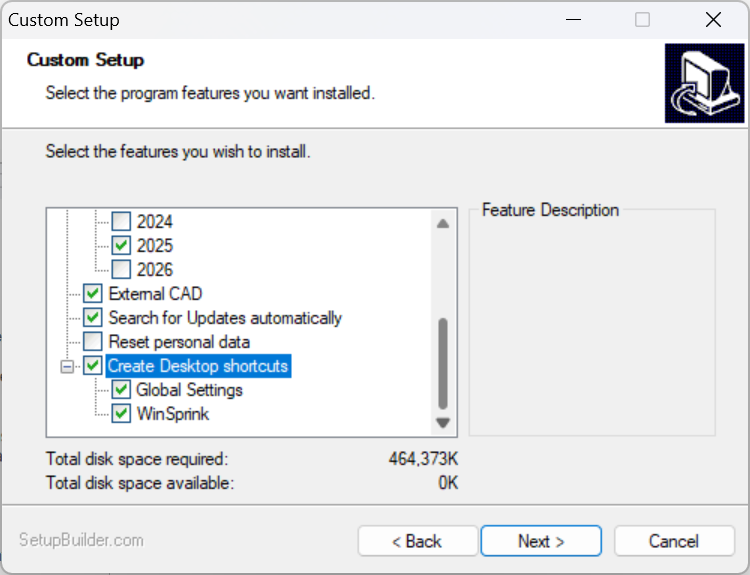
Define program parts:
This is a complete installer for all IDAT sprinkler programs. Therefore, all programs are listed. The IDAT license determines which programs can be used. WinSprink is included in Sprinkler Core (greyed out).
Enable automatic Update checks and link to Global Settings and Desktop shortcuts as needed.
Warning! If you reset your personal settings, your custom pump characteristic curves and equivalent length tables will be lost and replaced with IDAT defaults. Solution: Back up your data to a separate folder beforehand. Default path: C:\Users\YOUR USER\AppData\Local\IDAT GmbH
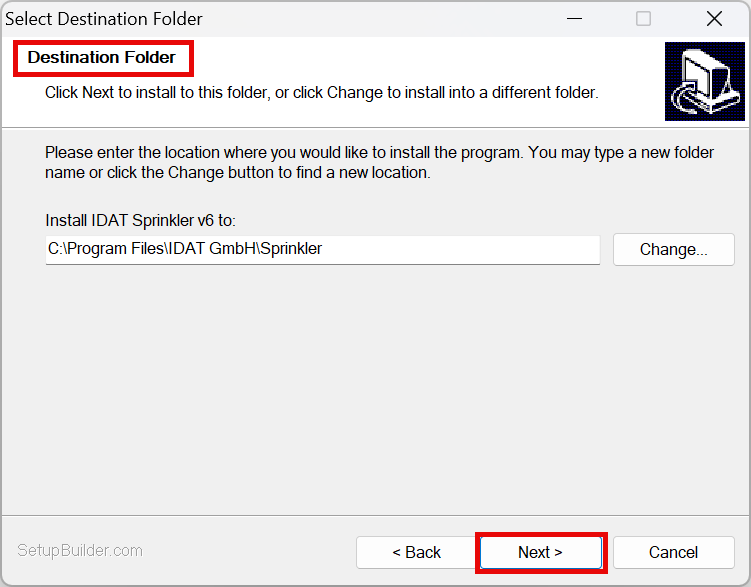
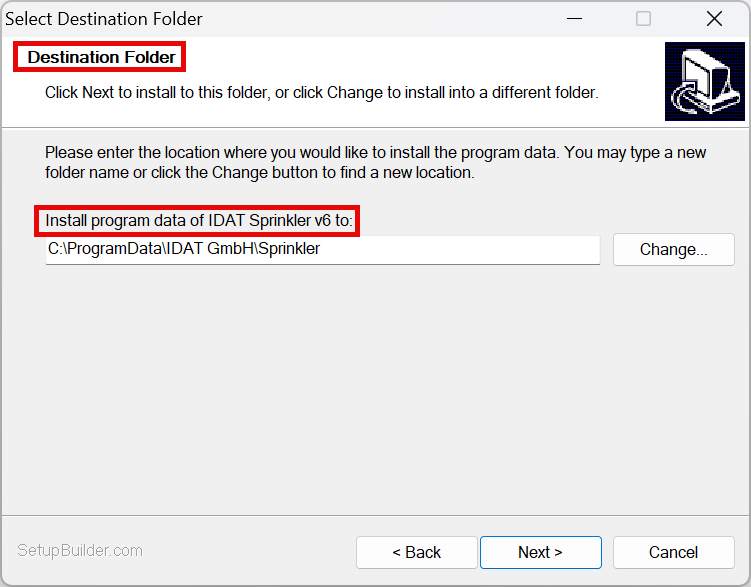
Select the destination directory (installation and program data) (default recommended):
Installation is starting.
Codemeter User Runtime for license management will be installed automatically.
Demo licenses are currently available upon request. Contact IDAT: Software Consulting & Support | IDAT