Activate project elements


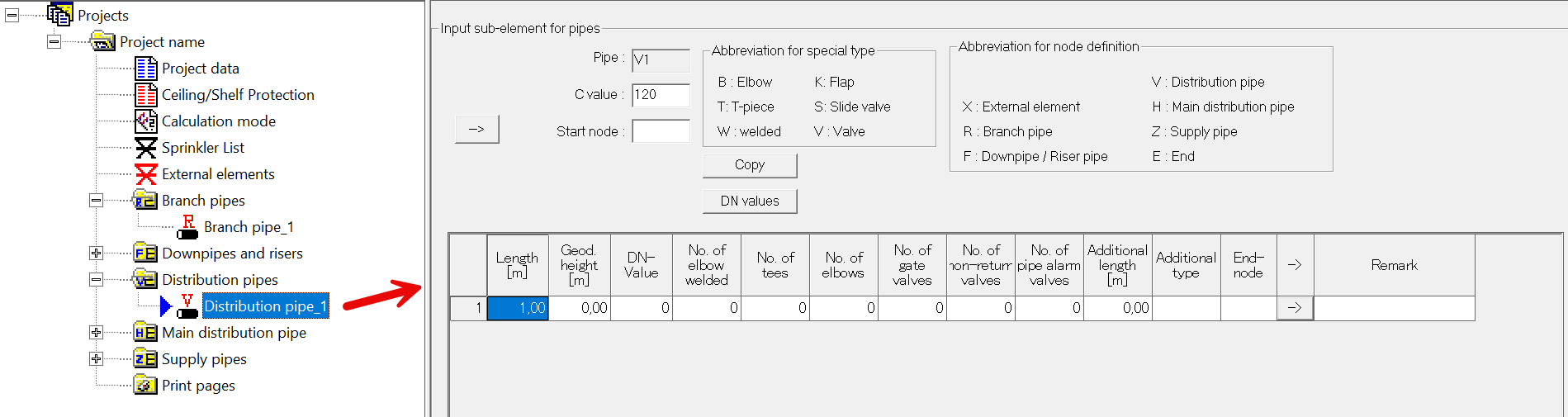
To activate an added project element, click on the corresponding element.
When a project element is active, the associated input mask is opened in the right-hand part of the project window.
Example: Distribution pipe