Starting/ Closing SpriCAD®
Before working with SpriCAD®, the following steps must be done:
- Starting AutoCAD/BricsCAD
- Opening an existing or a new drawing
- SpriCAD® is loaded
SpriCAD® can be loaded automatically by AutoCAD/BricsCAD by integrating the file spricad.arx into the start group in AutoCAD or spricad.brx in BricsCAD.
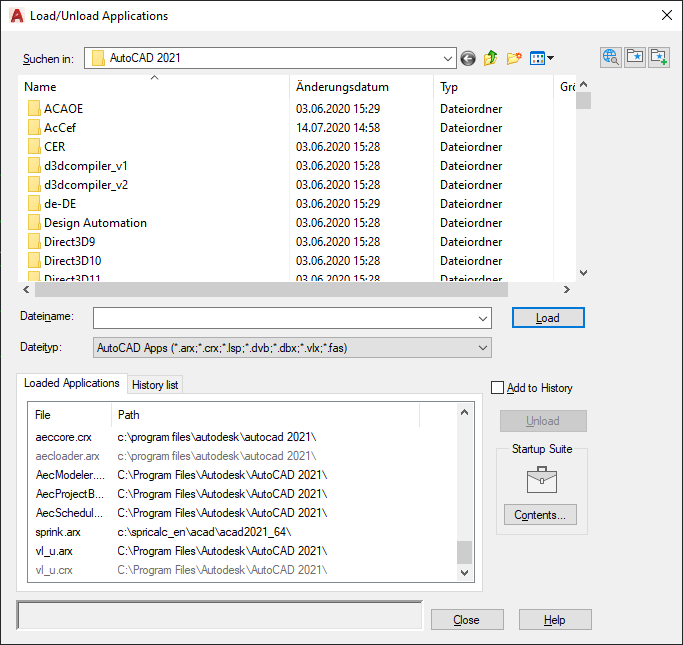
Standard installation path:
C:\Program Files\IDAT GmbH\Sprinkler
The ribbon contains an additional tab for SpriCAD. After opening the tab, the following menu items are displayed:

Note: The different colored frames are opening the related chapters.
By using the command load SpriCAD in group General, the sprinkler application will be loaded.
After that, the functions for data entry, calculation and visualization are available.
If the application is not loaded, the CAD system is unable to recognize the commands and won't be able to execute them.
Note for network licenses:
By using the command Release License all licenses in use are released and will be available for other users.
When closing the CAD system, the sprinkler application will automatically be closed as well, and all licenses are released.