Parameter File
There are 2 main parameter files and 2 additional parameter files for each language (DE/ENG)
- Main Parameter Files:
winsprink.cfg - offers the option to change and control colors, presets, the display of results, etc., for SpriCalc and WinSprink.
Default directory: C:\Users\YOUR USER\AppData\Local\IDAT GmbH\Sprinkler\V6\Core
sprinkintl.cfg - offers the option to change and control colors, presets, the display of results, etc., for SpriCAD in AutoCAD/BricsCAD.
Default directory: C:\Users\YOUR USER\AppData\Local\IDAT GmbH\Sprinkler\V6\CAD
- Language-Specific Configuration Files:
sprink.cfg
symbol.cfg
The parameter files are read every time AutoCAD/BricsCAD is restarted.
Changes made to the parameter file during AutoCAD/BricsCAD is loaded, must be detected by the Sprinkler program before they take effect.
To do this, go to the General tab and select the menu item Read parameter file. (applies only to certain changes—see the list below)
Once this function has been executed, the new values specified in the parameter file will take effect.
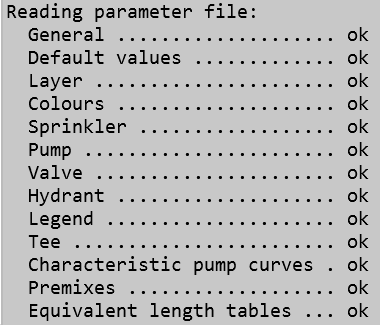
The file contains the following types of entries:
- Rows that begin with a semicolon, i.e., with “;”, contain only comments, i.e., explanations of the following rows;
- Rows beginning with a square bracket, i.e., “[”, contain block identifiers and must not be changed;
- All other rows begin with a name (the identifier of the corresponding parameter, which must not be changed), followed by an equal sign; this is followed by the value of the corresponding parameter, i.e., the value that can be changed.
Parameters can be Boolean values (Yes=T or No=F), integers, rational numbers, or text. The following sections describe the parameters of the individual blocks in the parameter file.